





If you earn over £50,000 from self-employment or property, you’ll need to use Making Tax Digital (MTD).
It means keeping digital records and sending updates to HMRC throughout the year instead of filing one annual Self Assessment tax return.
Here’s what that looks like in practical terms - and what micro businesses need to do.
Who needs to use Making Tax Digital?
Making Tax Digital for income tax applies based on your qualifying income. This is your total gross income from self-employment and property income, before expenses are deducted.
MTD income thresholds
● April 2026: Over £50,000
● April 2027: Over £30,000
● April 2028: Over £20,000
If your combined self-employment income and rental income go over the threshold, you’ll need to comply.
What does Making Tax Digital mean?
Making Tax Digital changes how you manage and report your income tax.
Instead of one yearly Self Assessment tax return, you’ll:
- Keep digital records
- Send quarterly updates
- Submit a MTD tax return
That’s the core of how Making Tax Digital works.
1. Keeping digital records
You’ll need to keep digital records of your:
● Sales and income from self-employment or property
● Cash payments and bank transfers received
● Foreign income (if it’s part of your business/property income)
● Business costs (e.g. software, supplies, travel, marketing)
● Rent, utilities, and other allowable property expenses(if you’re a landlord)
● Bank fees, transaction fees, platform fees
● Assets & capital items (where relevant)
● Purchases of equipment or tools used for business
● Any capital allowances you may claim
● Property-specific records (if applicable)
● Rental income per property
● Property-related expenses per property
● Mortgage interest (where allowable)
● Dates of lets/occupancy
Paper records or spreadsheets on their own won’t be enough.
You’ll need MTD-compatible software to:
● Record income and expenses
● Maintain accurate digital records
● Store records for at least five years
The easiest way to do this is by connecting your bank account to your software so your transactions are recorded automatically.
2. Sending quarterly updates
Every three months, you’ll send a summary of your business income and expenses to HMRC. These are called quarterly updates. They’re not full tax returns; they’re simple summaries to keep your tax reporting up to date.
Quarterly update deadlines
● 6 April – 5 July →due 7 August
● 6 July – 5 October→ due 7 November
● 6 October – 5January → due 7 February
● 6 January – 5 April→ due 7 May
Sending updates regularly helps you stay on top of your tax liability throughout the tax year.
3. Submitting your year end MTD tax return
At the end of the tax year, you’ll submit a MTD tax return. This replaces your Self Assessment tax return.
You’ll:
● Confirm your business income
● Add other income (like interest or capital gains)
● Finalise your tax bill
The deadline remains January 31st after the relevant tax year.
What software do you need for MTD?
To comply with Making Tax Digital, you must use compatible software. There are two main options:
1. All-in-one accounting software
● Records income and expenses
● Sends quarterly updates
● Submits your year-end MTD tax return
2. Spreadsheets with bridging software
● You keep records manually
● Software connects your data to HMRC
Most micro businesses choose all-in-one software to reduce admin and avoid errors.
How Making Tax Digital works for landlords
If you earn property income, the same Making Tax Digital rules apply.
You’ll need to:
● Keep digital records for each property
● Send quarterly updates
● Submit a year-end MTD tax return
If you have both rental income and self-employment income, you’ll combine them to calculate your qualifying income.
What happens if you miss a deadline?
MTD uses a points-based penalty system.
● Each missed deadline = 1 penalty point
● Once you reach the threshold (usually 4 points), you get a £200 fine
Late payment penalties still apply:
● Interest starts immediately
● Additional charges can apply after 15 and 30 days
Keeping digital records and sending updates on time helps you avoid this.
Are there any exemptions?
You may not need to use Making Tax Digital if your income or circumstances mean you’re not required to use it.
This includes:
● Age or disability
● Limited access to digital tools or internet
● Religious beliefs preventing use of technology
You’ll need to apply to HMRC to confirm your exemption.
Do micro businesses need an accountant?
Not always. Making Tax Digital doesn’t require you to hire an accountant.
Many sole traders use software to:
● Track income
● Manage expenses
● Submit updates directly
You may still choose an accountant if:
● Your finances are more complex
● You want additional support
How Coconut makes MTD simpler
Most accounting software is built for larger businesses.
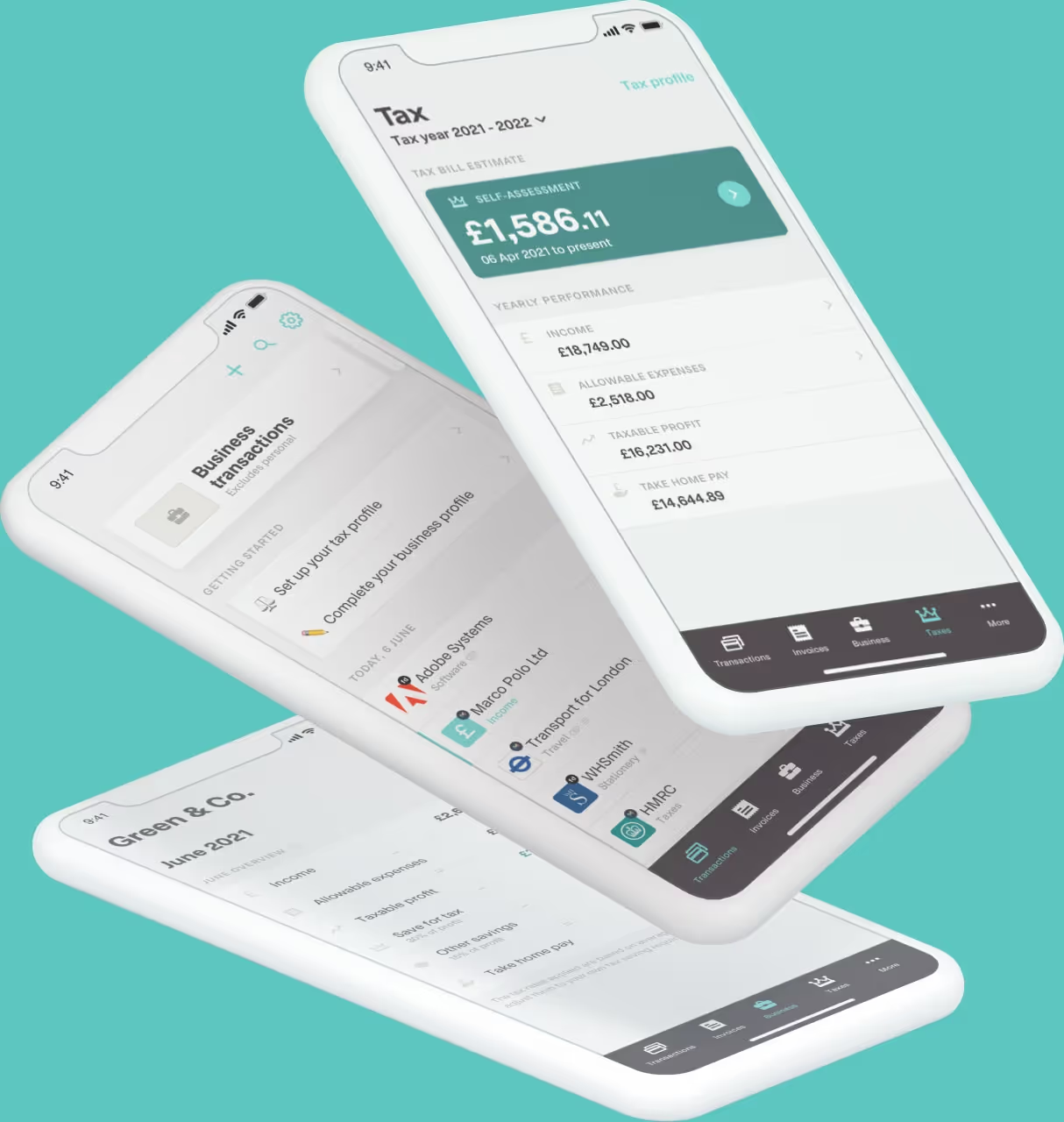
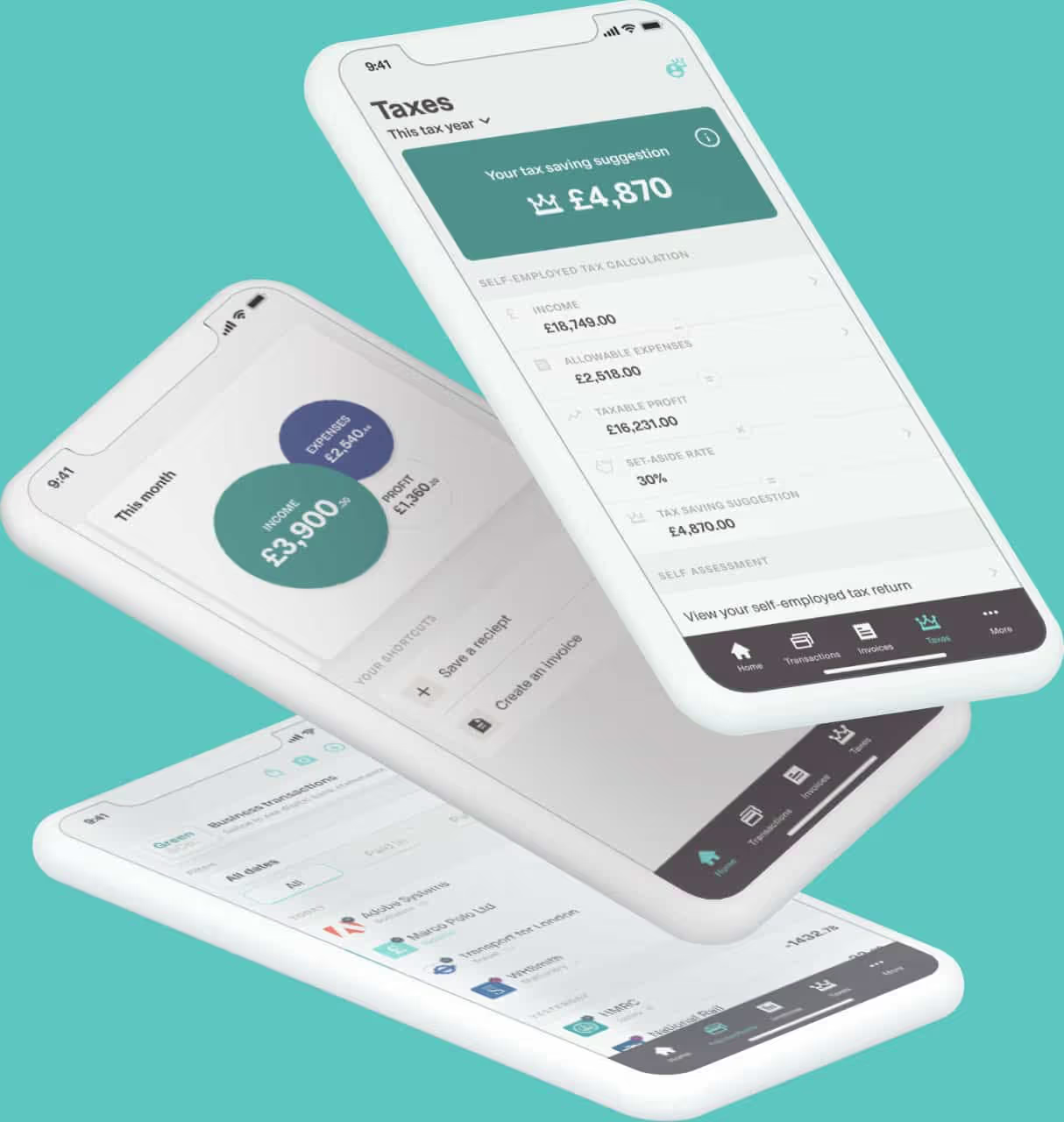
Coconut is built for sole traders - so it’s simpler to use and quicker to set up.
With Coconut:
● Your bank account connects directly
● Your transactions are categorised automatically
● Your digital records stay up to date
● Your quarterly updates are ready when you need them
● You'll have access to ongoing expert support for all of your needs
You don’t need to manage multiple tools or set up complex systems.
What should you do next?
If you’ll need to use Making Tax Digital, it’s worth getting set up early.
Start with:
- Check your income: Look at your last Self Assessment tax return to confirm if you meet the threshold
- Separate your finances: Use a dedicated business bank account
- Choose MTD-compatible software: Make sure it works with HMRC
- Start keeping digital records now: It makes the transition much easier
Making Tax Digital FAQs:
How much can you earn before Making Tax Digital?
You’ll need to use MTD if your gross income from self-employment and property is over £50,000 from April 2026.
Do all self-employed people need to use MTD?
No. It depends on your income. This threshold is being lowered over time, so more people will be included.
Do I still need to file a tax return?
You’ll still need to file a Self Assessment for the previous tax year, even after you move into Making Tax Digital for Income Tax. At the same time, you’ll start keeping digital records and submitting quarterly updates under MTD.
This overlap only happens once, after you’ve filed your final Self Assessment, you’ll move fully to Making Tax Digital going forward.
What do I need to do for MTD?
You need to:
● Keep digital records
● Send quarterly updates
● Submit a year end MTD tax return
Do I need to pay income tax differently?
No. You still pay income tax as usual. MTD changes how you report your income, not how you pay tax.
Get started with MTD
Making Tax Digital doesn’t need to be complicated.
With the right setup, you can manage your tax reporting in less time - and with less effort.
Get started with Coconut and take care of your MTD in one place.