





If you’re a sole trader, the Making Tax Digital (MTD) for Income Tax threshold decides when you need to switch to Making Tax Digital for income tax. If your qualifying income is over £50,000, you’ll need to follow MTD rules.
If you’re below that, nothing changes yet.
Here’s how to check where you stand, and what to do next.
What is the MTD for Income Tax threshold?
The MTD for Income Tax threshold is based on your qualifying income.
This is your total gross income, before expenses are deducted, from:
● Self-employment
● UK property income
If your qualifying income goes over the threshold, you’ll need to use Making Tax Digital for income tax. HMRC is basing this on your previous year’s Self Assessment. So, if your income was over £50,000 in the 2024/25 tax year, you’ll be in MTD from April 2026.
What are the current income thresholds?
The income thresholds for Making Tax Digital for income tax are being introduced in stages:
● April 2026: £50,000+
● April 2027: £30,000+
● April 2028: £20,000+
These thresholds apply to your total self-employment or property income in a tax year.
If your qualifying income falls below the threshold for several years, you may be able to leave MTD for income tax.
How to check if you’ll be in MTD
You can usually work this out in a few steps.
1. Look at your last Self Assessment
Check your Self Assessment tax return from the previous tax year.
You’re looking for your total gross income, not your profit.
2. Add your income together
Include:
● Self-employment income
● Rental property income
If you have both, combine them.
3. Compare it to the threshold
If your qualifying income is over £50,000, you’ll need to join MTD income tax from April 2026.
If it’s below, you’ll stay on the standard Self Assessment tax return for now.
What counts towards the threshold?
Your qualifying income includes:
● Self employment income
● Rental income from UK property
● Income from jointly owned UK property
It’s based on total income before expenses.
For example: if you earn £40,000 from self employment and £15,000 from rental income, your qualifying income is £55,000 - so MTD for income tax will apply.
What if you’re below the threshold?
If your income is below the threshold, your income tax process stays the same.
You’ll continue to:
● File a yearly Self Assessment tax return
● Manage your tax affairs as usual
There’s nothing you need to change yet.
But the threshold is reducing over time, so more sole traders will be brought into Making Tax Digital.
What if you go over the threshold?
If your income goes over the threshold, you’ll still complete a Self Assessment as normal for that year. You’ll then move into Making Tax Digital for Income Tax from the following April.
At that point, your income tax Self Assessment changes. You’ll need to:
● Keep digital records
● Submit quarterly updates
● Complete an MTD tax return
It’s a different process - but it’s designed to spread your tax reporting across the year.
MTD vs standard Self Assessment
Here’s how things change once you cross the threshold:
What changes once you move to MTD?
Once you move to Making Tax Digital for income tax, your reporting becomes more regular.
You’ll need to:
● Keep digital records of your income and expenses
● Submit quarterly updates to HMRC
● Complete a final MTD tax return at the end of the tax year
Instead of one annual Self Assessment tax return, your tax reporting happens throughout the year.
In practice, this usually means less of a rush at the end of the tax year.
What happens if your income changes?
Your qualifying income is checked each tax year. If your income goes over the threshold, you’ll need to join MTD income tax, and you will continue to use the system for at least three years. If your qualifying income falls below the threshold and remains there for three years, then you will no longer be required to use it. This also applies if your business ceases trading.
What are the penalties under MTD?
MTD introduces a penalty points system.
● Each missed submission = penalty points
● Once you reach the limit, you’ll get a £200 penalty
● Late payment of income tax can lead to extra charges
Keeping your digital records up to date and sending quarterly updates on time helps avoid this.
Do sole traders need an accountant for MTD?
Not always. Many sole traders manage their income tax using software.
You don’t need a tax agent to:
● Keep digital records
● Submit quarterly updates
● Complete your MTD tax return
You might still use one if your finances are more complex.
What software do you need for MTD?
To follow Making Tax Digital rules, you’ll need compatible accounting software.
There are two main options:
All-in-one accounting software
● Keeps digital records
● Submits quarterly updates
● Handles your MTD tax return
Spreadsheets with bridging software
● You keep records manually
● Bridging software is used to submit MTD-compatible updates to HMRC
Most sole traders choose accounting software - it saves time and reduces errors.
How Coconut makes MTD simpler
Most accounting software is built for larger businesses.
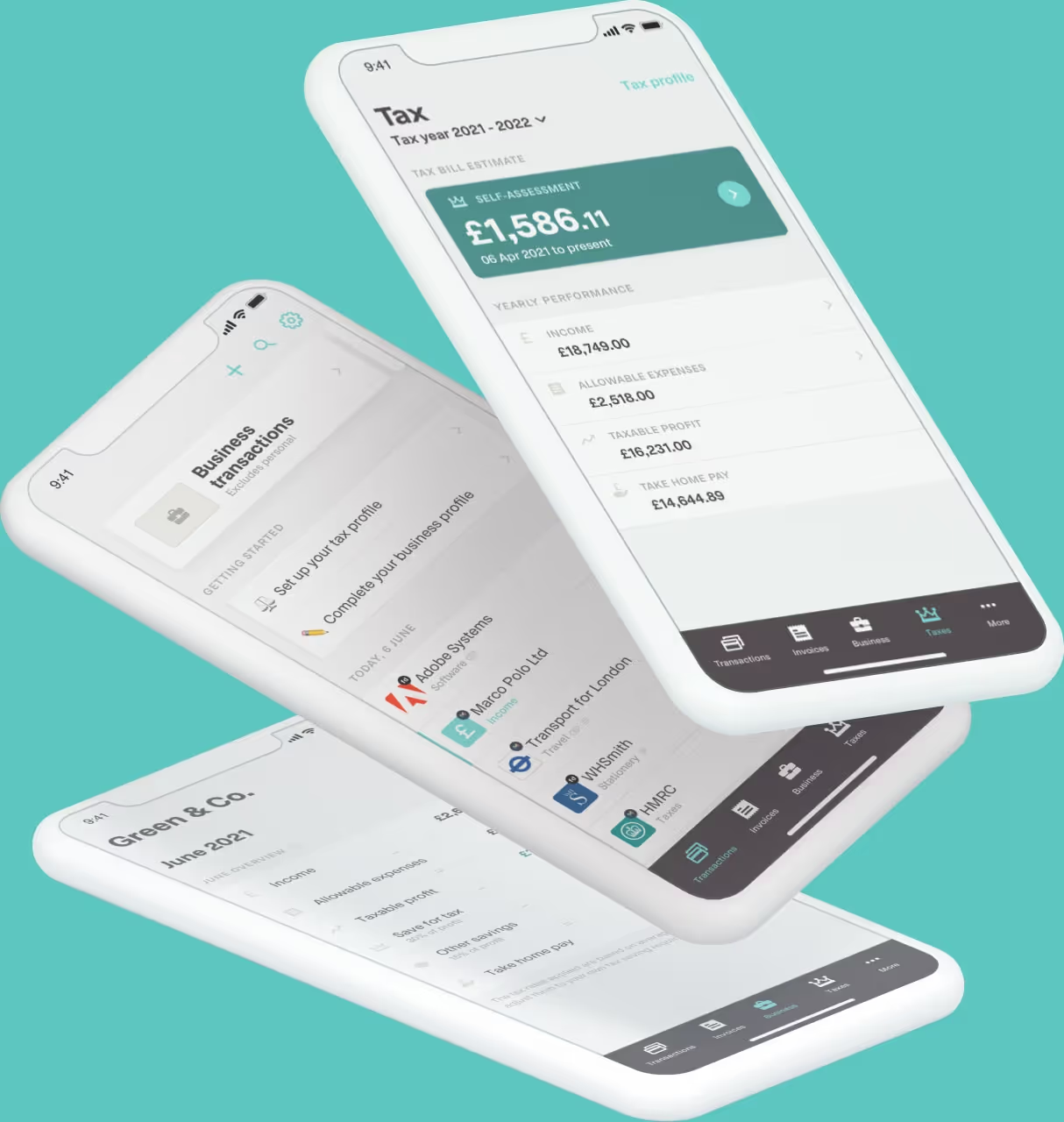
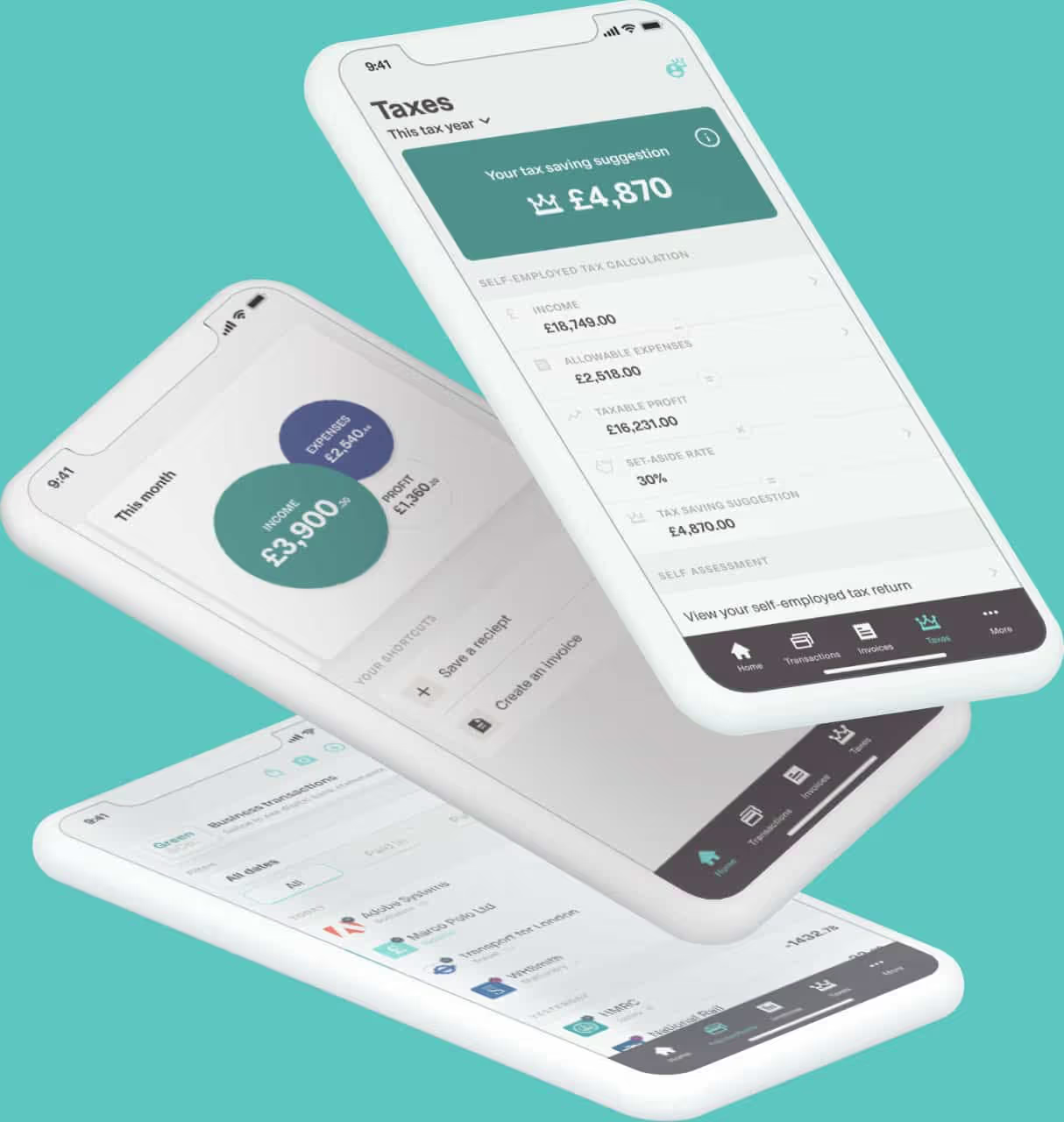
Coconut is built with sole traders in mind - so it’s simpler to use and easier to meet your digital record keeping requirements.
With Coconut:
● Connect your bank account in minutes
● Transactions are categorised automatically
● Your digital records stay up to date
● Your quarterly updates are ready to send
● Your MTD tax return is prepared for you
● You'll receive access to expert support when you need it
So, once you’re set up, most of your income tax reporting runs in the background.
What should you do next?
If you’re close to the MTD for Income Tax threshold, check now to see if you’ll need to start using Making Tax Digital software.
Start with:
- Check your qualifying income
- Compare it to the threshold
- Plan for upcoming changes to income tax rules
- Start keeping digital records early if needed
That way, you’re ready when MTD for income tax applies to you.
Get started with MTD
Making Tax Digital doesn’t need to be complicated.
If you’re over the threshold, the right setup makes your income tax easier to manage throughout the tax year.