


Making Tax Digital for Sole Traders

  • HMRC-recognised

  • Built for sole traders and self-employed people

  • 14-day free trial

  • No card details needed

Making Tax Digital for sole traders is changing how self-employed people keep records and report income tax to HMRC.
That means you'll need to keep digital records, send quarterly updates to HMRC and complete a year-end tax submission using compatible software.

Coconut helps keep that simple.

You can track self-employment income, sort expenses, store receipts, see your tax estimate and submit MTD updates to HMRC from one place — without complicated accounting software or messy spreadsheets.

Start your free trial
  • No card details required
  • FCA authorised
  • Bank level security
See how Coconut works
  • No card details required
  • FCA authorised
  • Bank level security
MTD ready badge with check mark and text Recognised by HMRC and code 4YTVND.Badge of FCA Authorised

Worried MTD means more admin? Here's what changes for you

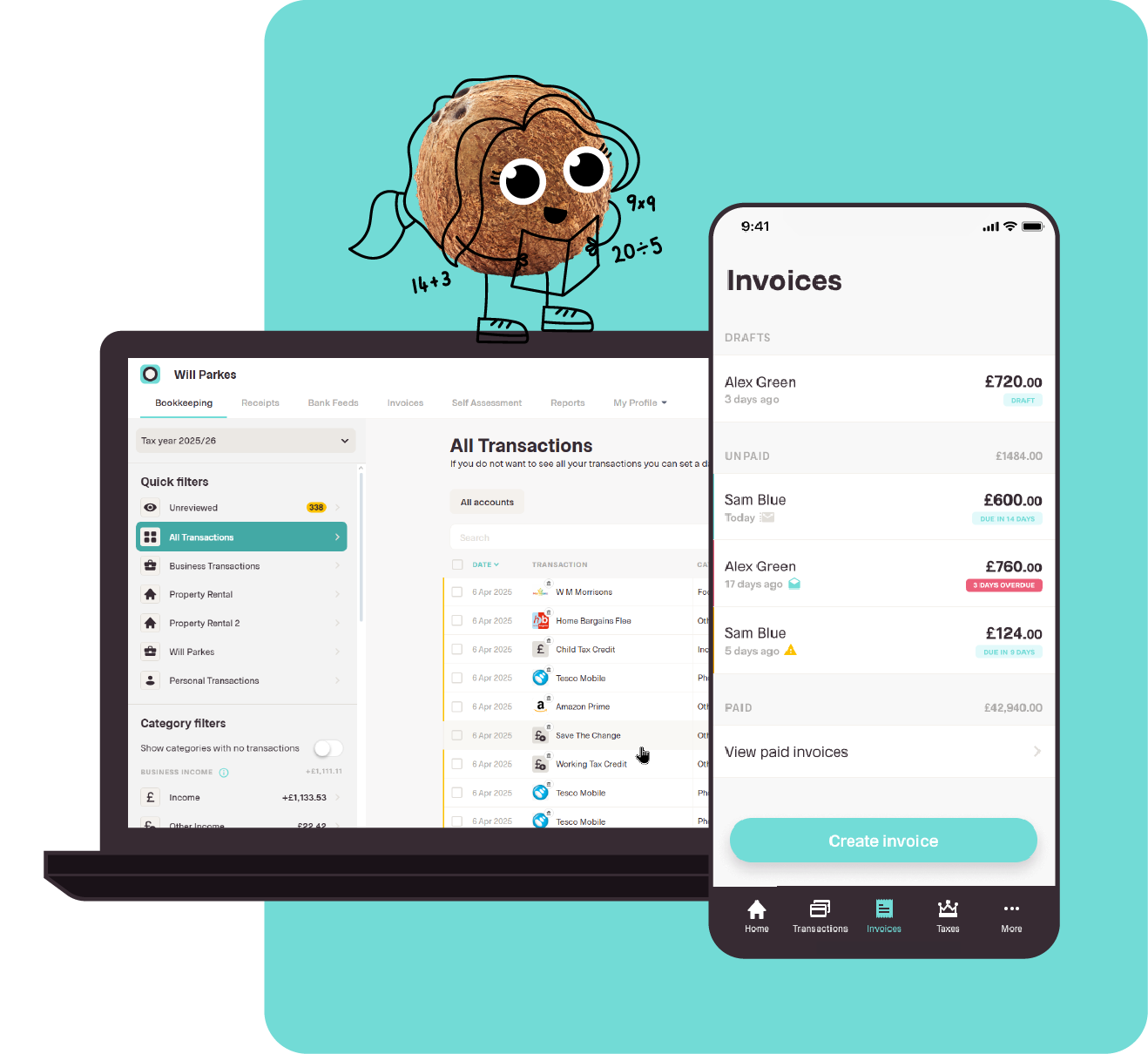
Laptop and smartphone screens showing bookkeeping app with transactions and invoices, plus a cartoon coconut character.

If you're used to doing your Self Assessment tax return once a year, Making Tax Digital can sound like a big change.

The main difference is that your records need to stay up to date during the tax year. Instead of pulling everything together at the end, you'll keep digital records as you go and send HMRC quarterly updates through MTD-compatible software.

These updates are simple summaries of your income and expenses. They're not four full tax returns.

You'll still finalise your income tax position at the end of the tax year with a year-end tax submission. Coconut keeps your records, quarterly updates and year-end information connected, so you're not starting from scratch every time a deadline comes around.

What Making Tax Digital for Income Tax actually is

Making Tax Digital for Income Tax is HMRC's new way of asking sole traders, landlords and self-employed people to keep records and report income digitally.

If MTD applies to you, you'll need to:

Keep digital records

Use compatible software

Send quarterly updates to HMRC

Complete a year-end tax submission after the tax year ends

It's still income tax. You're not suddenly paying tax four times a year — the main 31 January payment deadline still applies.

What changes is how you keep your records and send information to HMRC.

With Coconut, you can manage the whole process in one app — from everyday record keeping to your MTD quarterly updates and year-end tax submission.

How Coconut replaces the once-a-year Self Assessment scramble with year-round tracking

Most sole traders know the January rush.

Bank statements, receipts, invoices and expenses all need sorting before the Self Assessment deadline. It can be stressful, especially if your records have been sitting in different places all year.

Coconut keeps these things organised as you go.

Connect your bank account, and Coconut securely pulls in your transactions using Open Banking. From there, you can categorise income and expenses, snap and store receipts, and keep your digital records ready for MTD throughout the tax year.

That means less last-minute sorting when a quarterly update is due. Your records are already in one place, your tax estimate updates as you go, and you can submit your MTD updates to HMRC through Coconut when the time comes.

So instead of treating tax as one big annual job, you can keep it ticking along in the background while you get on with your work in real time.

Does MTD apply to you yet? Check your income and date

Making Tax Digital for Income Tax is being introduced in stages.

For sole traders, the date you need to start depends on your qualifying income. That usually means your gross self-employment income before expenses. If you also have property income, that can count towards the threshold too.

Here's the simple version:

April
2026

Sole traders and landlords earning above £50,000 need to comply with Making Tax Digital for Income Tax.

April
2027

Sole traders and landlords earning above £30,000 need to comply with Making Tax Digital for Income Tax.

April
2028

Sole traders and landlords earning above £20,000 need to comply with Making Tax Digital for Income Tax.

The important bit is that this is based on income before expenses, not profit.

So, if you earn £52,000 from self-employment and have £12,000 of business expenses, your qualifying income is still £52,000 for MTD.

That means the April 2026 start date would apply.

What counts as qualifying income?

Qualifying income usually includes gross income from:

Self-employment

UK property income

Both, if you have more than one income stream

It does not usually include PAYE income, pensions, dividends or capital gains.

So, if you're employed and also run a sole trader business on the side, your employment income does not count towards the MTD threshold. What matters is your gross income from self-employment and property income.

If your income changes from year to year, it's worth checking your position regularly. You may not need to use MTD straight away, but the thresholds are dropping over time — so getting your digital records organised early can save a rush later.

Check when MTD applies to you.

Who's exempt from Making Tax Digital?

Some people may be exempt from Making Tax Digital for Income Tax.

That can apply if it is not reasonably practical for you to use digital tools, for example because of age, disability, location, religion or another reason that makes digital record keeping difficult.

If you think that might apply to you, you'll need to check the rules with HMRC and apply for an exemption.

For most sole traders, though, the simplest route is to get used to digital record keeping before the deadline arrives.

You don't need to wait until MTD applies to start using Coconut. You can begin tracking income, sorting expenses and keeping digital records now, so when your start date comes around, the process already feels familiar.

What you have to do under MTD — and what Coconut does for you

Once Making Tax Digital for Income Tax applies to you, there are three main things you'll need to do.

You'll need to keep digital records, send quarterly updates to HMRC and complete a year-end tax submission after the tax year ends.

That might sound like a lot, but the work is much easier when your income and expenses are already organised. Coconut keeps everything in one place, so each step feels more manageable.

Keep digital records

Under MTD, you'll need to maintain digital records of your income and expenses.

That means keeping your business records in compatible software, rather than relying on paper notes, loose receipts or manual records you only pull together at the end of the year.

Coconut helps by connecting securely to your bank account through Open Banking. Your transactions are pulled in automatically, so you can track self-employment income and expenses as they happen.

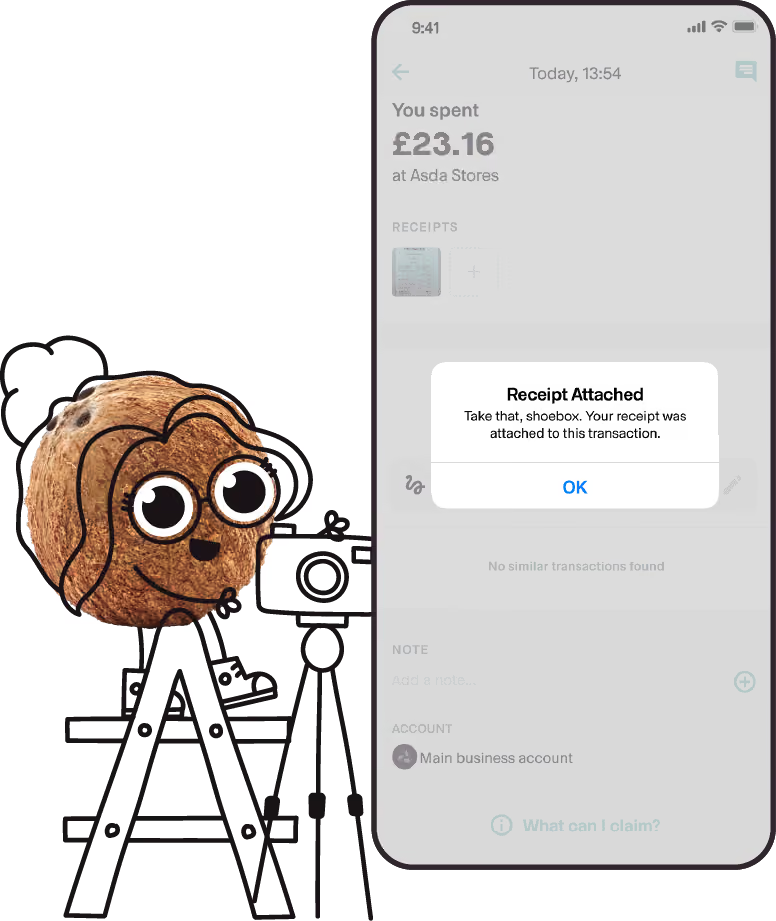
You can also snap and store receipts, attach them to the right transactions and keep your digital records tidier throughout the tax year.

So, when an MTD deadline comes around, you're not digging through paperwork or trying to rebuild your records from scratch.

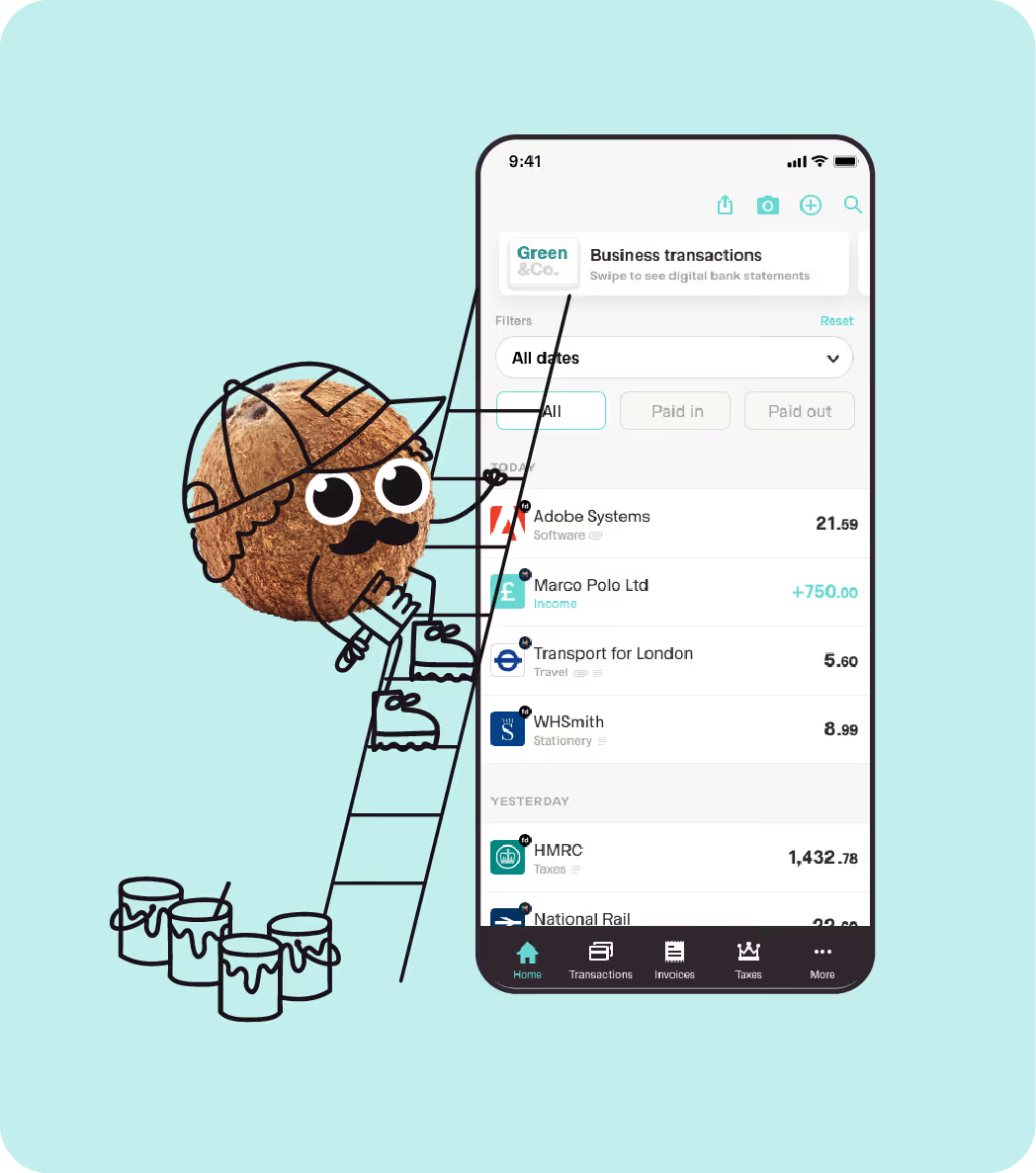
Cartoon coconut climbing ladder next to phone showing business transaction app screen.

Submit quarterly updates

Sole traders in MTD for Income Tax will need to send four quarterly updates to HMRC each tax year.

These updates are summaries of your income and expenses for each period. They help HMRC see what's happening during the year, but they're not the same as a full tax return.

The standard quarterly update periods are:

Quarterly update
Period covered
Deadline
1st update

6 April – 5 July

7 August

2nd update

6 April – 5 October

7 November

3rd update

6 April – 5 January

7 February

4th update

6 April – 5 April

7 May

Coconut keeps your records organised as you go, so each update is more of a review-and-submit step than a full admin job.


When your update is ready, you can submit it to HMRC through Coconut's HMRC-recognised software.

File your year-end tax submission

Quarterly updates don't finalise your income tax for the year.

After the tax year ends, you'll still need to complete a year-end tax submission, also known as a final declaration, to confirm your full income tax position.

This is where you bring everything together, make any final adjustments and confirm what you owe.

Because Coconut keeps your income, expenses, receipts and quarterly updates connected throughout the year, your year-end submission is much easier to manage. You're not starting again from a blank spreadsheet or trying to piece everything together in January.

With Coconut, your MTD tax return process stays connected from the first transaction to the final submission.

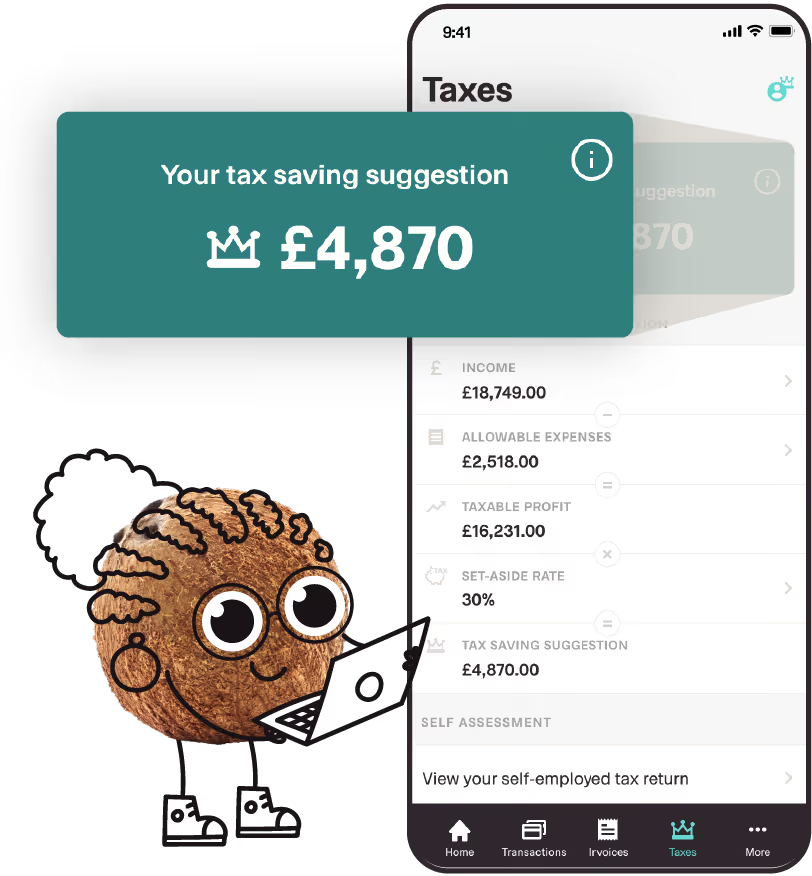
Cartoon cookie holding laptop beside phone showing tax saving suggestion of £4,870 on app screen.

1

Do you really need software? And can it be free?

Yes — if Making Tax Digital for Income Tax applies to you, you'll need to use compatible software.

That doesn't mean you need a complicated accounting package. But it does mean your records and submissions need to be handled digitally in a way that connects with HMRC systems.

Coconut is built for sole traders who want to keep MTD simple. You can track income, sort expenses, keep digital records and submit updates to HMRC from one place — without paying for tools built for much bigger businesses.

2

Why spreadsheets and paper won't meet MTD on their own

Under MTD, paper records on their own won't be enough.

You also can't simply type your final figures into HMRC's website in the same way as before. To meet the MTD requirements, you'll need digital records and compatible software that can send the right information to HMRC.

If you already keep tidy spreadsheets and mainly need a way to connect them to HMRC, MTD bridging software may be enough.

But if you want help with the whole process — tracking income, recording expenses, storing receipts, seeing your tax estimate and submitting quarterly updates — Coconut's full MTD software is the simpler route.

It keeps your records and submissions connected, so you're not moving figures between different tools every time a deadline comes around.

3

Coconut's free-to-start, HMRC-recognised MTD software vs paid plans

You can try Coconut free for 14 days, with no card details needed.

That gives you a simple way to see how Coconut helps you track self-employment income, categorise expenses, keep digital records and get ready for Making Tax Digital for Income Tax.

Eligible new Zempler users may also be able to get Coconut free for 2 years when they sign up through Coconut, open a Zempler bank account and connect it in the app.

So, if you're looking for free MTD software for sole traders, Coconut gives you a couple of ways to get started — whether you want to try the app first or check whether you qualify for the Zempler offer.

Simple black outline of a cloud on a transparent background.Simple black outline of a cloud on a transparent background.

Why sole traders choose Coconut for MTD

Making Tax Digital is easier to manage when your software fits the way you actually work.

Coconut is built for sole traders and self-employed people who want to stay on top of tax without using complicated accounting software. It helps you keep your records organised, understand what you may owe and submit your MTD updates from one place.

Person in plaid and white shirt standing and working on a laptop in a creative workshop, with an open notebook on the table and shelves of tools and materials in the background.

Frequently Asked Questions

Can I use Coconut to comply with Making Tax Digital as a sole trader?

Yes. If your qualifying income is over the MTD threshold, you'll need to keep digital records and submit quarterly updates to HMRC using compatible software.

Coconut is HMRC-recognised MTD software built for sole traders. You can connect your bank, keep your digital records organised, prepare quarterly updates and submit to HMRC from one app.

Is Coconut HMRC-recognised for MTD for Income Tax?

Yes. Coconut is HMRC-recognised software for Making Tax Digital for Income Tax.

That means you can use Coconut to keep digital records and send MTD updates securely to HMRC when the rules apply to you. Coconut is also built with secure bank connections, so your income, expenses and tax records can stay organised in one place.

When does MTD start for me?

MTD for Income Tax is being phased in by qualifying income.

It starts from 6 April 2026 if your qualifying income is over £50,000, from 6 April 2027 if it is over £30,000, and from 6 April 2028 if it is over £20,000.

Qualifying income usually means your gross self-employment income, plus property income if you have it. Coconut can help you start keeping digital records early, so you're not rushing when your start date comes around.

Is there a free version of Coconut for MTD?

You can try Coconut free for 14 days, with no card details needed.

During your trial, you can see how Coconut helps you track income, sort expenses, store receipts and get ready for Making Tax Digital. Eligible new users may also be able to get Coconut free for 2 years when they sign up through Coconut, open a Zempler bank account and connect it in the app.

Will Coconut still let me handle Self Assessment, or does MTD replace it?

Coconut lets you manage both Self Assessment and Making Tax Digital.

If you're affected by MTD, you'll need to keep digital records, send quarterly updates and complete a year-end tax submission to finalise your income tax position.

If you're not in MTD, you may still need to file a Self Assessment tax return as usual.

Coconut helps keep your Self Assessment and MTD tax information connected, so you can manage the right process for your circumstances without switching between separate tools.

How much work are quarterly updates with Coconut?

Quarterly updates are summaries of your income and expenses, not full tax returns.

Most sole traders using MTD for Income Tax will submit four quarterly updates each year, with deadlines on 7 August, 7 November, 7 February and 7 May.

With Coconut, your bank transactions, expenses and receipts are already organised as you go, so each update is more of a review-and-submit step than a big admin job.

Who is exempt from Making Tax Digital?

Some people may be exempt from Making Tax Digital if it is not reasonably practical for them to use digital tools.

That could be because of age, disability, location, religion or another reason that makes digital record keeping difficult. If you think this applies to you, you'll need to check the rules with HMRC and apply for an exemption — check out our blog for more information on who is eligible for an exemption.

For most sole traders, Coconut gives you a simple way to keep digital records and prepare for MTD.

Can I do Making Tax Digital myself?

Yes. You can manage Making Tax Digital yourself, as long as you use compatible software and keep the right digital records.

You don't always need an accountant, especially if your tax affairs are straightforward. Coconut is built to help sole traders track income, sort expenses, store receipts and submit MTD updates to HMRC from one place, with support available if you need a hand.

How does digital tax work for self-employed people?

For self-employed people, digital tax means keeping income and expense records digitally, then using compatible software to send updates to HMRC.

Under Making Tax Digital for Income Tax, affected sole traders will send quarterly updates during the tax year and complete a year-end tax submission after the year ends.

Coconut keeps your records, receipts, tax estimates and MTD submissions connected, so the process feels easier to manage throughout the year.
