




Making Tax Digital (MTD) is one of the biggest changes to the UK tax system in decades. And, for many, the idea of submitting quarterly updates can feel daunting.
The good news is that once you understand how it works, filing MTD quarterly updates can actually make tax easier to manage - especially when you use the right tools.
So, here’s a step-by-step guide on how MTD works and how you can file with confidence.
What is Making Tax Digital for Income Tax?
Making Tax Digital for Income Tax (MTD for IT) is HMRC’s move away from annual paper or manual tax returns and towards digital record-keeping and regular online submissions.
Put simply, instead of filing one tax return every year, certain landlords and self-employed people will have to:
- keep digital records of income and expenses
- submit quarterly updates to HMRC
- submit a final MTD tax return at the end of the tax year
While these changes might seem like a hassle right now, the aim is to give taxpayers a more up-to-date view of their tax position and reduce any errors caused by last-minute filing, which unfortunately millions of people are doing!
Who does MTD for Income Tax apply to?
MTD for IT will apply to self-employed individuals and landlords:
- with qualifying income over £50,000 from April 2026
- income over £30,000 from April 2027
- and, income over £20,000 from April 2028
Qualifying income means gross income from any self-employment work and property before expenses.
If you earn below these thresholds, you can continue using the existing Self Assessment (for now!) but there’s also no harm getting up to speed sooner.
What are quarterly updates?
Quarterly updates are not tax bills, and they don’t finalise your tax bill. Instead, think of them as summary reports of your income and expenses which are sent digitally to HMRC every three months. They help HMRC estimate how much tax you may owe.
How to file a quarterly update
- Use MTD-compatible software
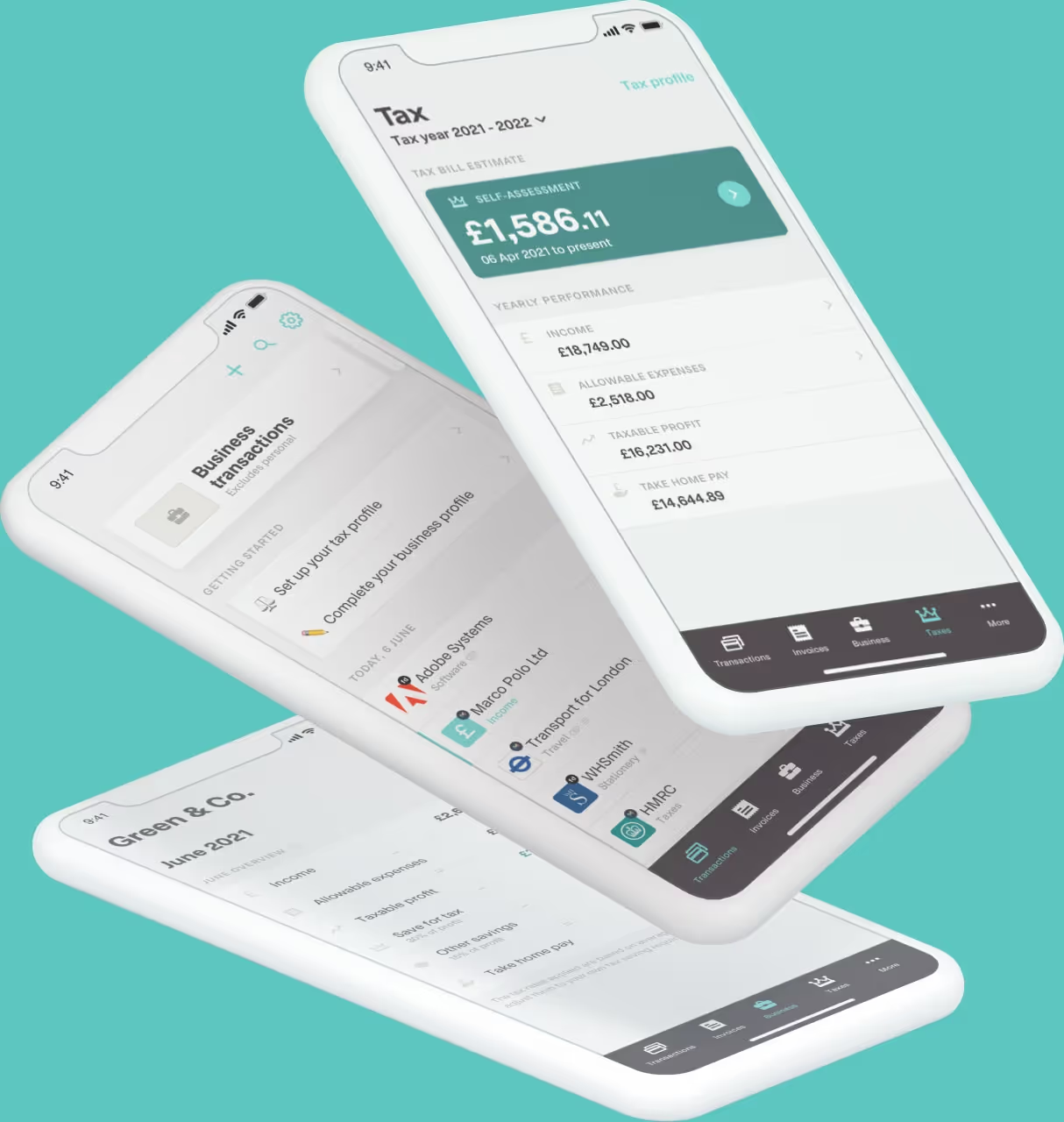
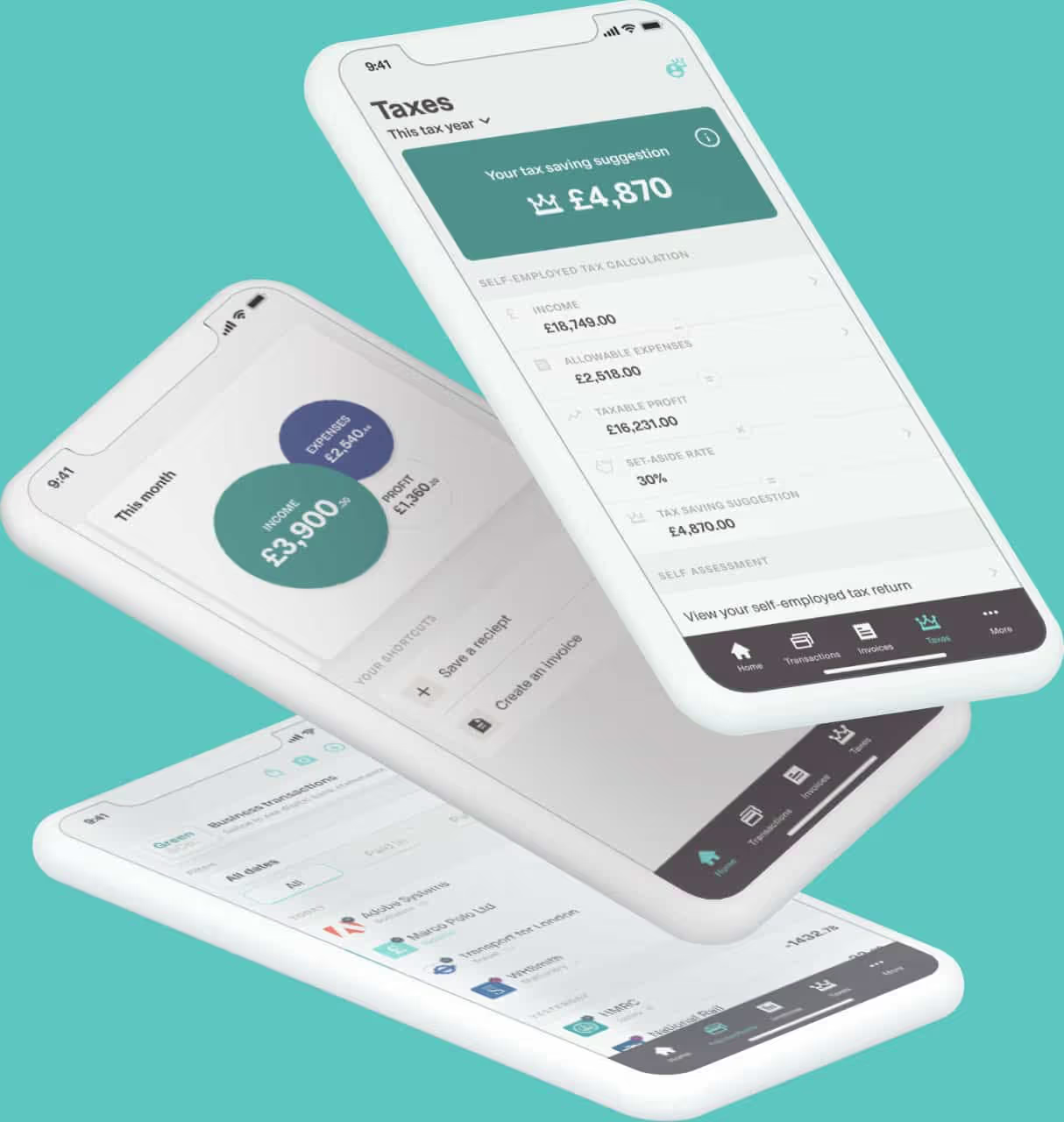
First things first, you need to use HMRC-approved software to file your updates. HMRC’s own system won’t accept them directly. Not only is Coconut fully MTD-ready but it automatically tracks your income and expenses, so your updates are always based on accurate data. - Keep digital records
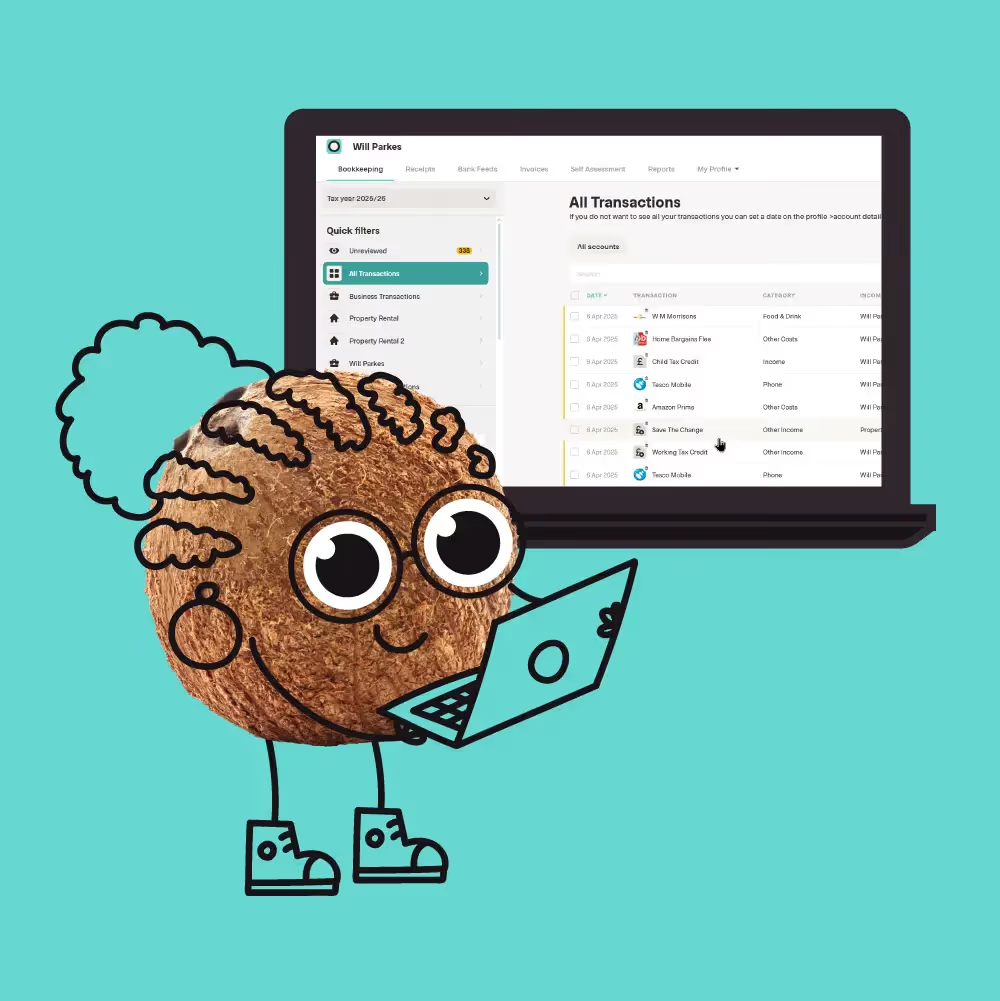
You’ll need to digitally record income, expenses, dates and amounts. With Coconut, this is automatically done, and transactions are categorised as they happen. - Submit your quarterly update
At the end of each quarter, review your income and expenses and submit the summary digitally to HMRC. At this stage, you don’t need to provide detailed receipts. - Submit your final MTD tax return
In the same way that you do now, you’ll still have to submit a final MTD tax return. This is your chance to confirm all income sources as well as your final tax liability. You’ll understand exactly how much tax you owe and therefore need to pay before the 31st of January deadline.
Why filing quarterly can actually help
We understand that it might sound like extra admin as well as time that you’re already short on, but this new approach is designed to help you:
- avoid last-minute tax stress
- spot problems earlier
- spread the workload across the year
- get a clearer view of what you owe
And yes, while it might be a big change, MTD doesn’t have to be a difficult change. With the right software and good habits, quarterly updates can be a quick check-in rather than a major task.
So why not see how Coconut can help? After all, it was built to handle MTD automatically so you can focus on running your business.