




Making Tax Digital is changing how self-employed professionals interact with HMRC, and software is going to play a central role in this. With digital recordkeeping becoming mandatory, choosing the right solution now can ensure you’re fully prepared as the MTD rollout takes place.
But not all MTD for Income Tax software is created equal. To help you out, here are five essential features to look for.
1. Compatibility
Your software must be recognised by HMRC (like Coconut), support MTD for Income Tax and allow direct submission to HMRC when required. Choosing a software that doesn’t tick all of these boxes could mean you’re left scrambling to switch to another system later in the year.
2. Digital recordkeeping
MTD isn’t just about filing. It’s about how records are kept. This is why good MTD for Income Tax software should:
- Automatically record income and expenses
- Store digital receipts
- Maintain digital links (no copy-and-paste)
HMRC has found that businesses using digital systems for recordkeeping and submission reported fewer mistakes and greater confidence in the accuracy of their VAT returns when Making Tax Digital was introduced for VAT.
3. Quarterly updates support
Under the new rules, users must submit quarterly updates instead of one annual return. With this in mind, you might find it helpful to choose software that tracks what’s been reported, prompts you when updates are due and helps to make submissions straightforward.
Lots of people think these new quarterly updates will mean more work but in reality you can expect fewer surprises at tax time and more accurate budgeting.
4. Smart automation
Manual data entry is often where mistakes happen. Plus, MTD will no longer allow for manual spreadsheets or copy and paste jobs. So, you need software that connects directly to your bank account, automatically imports transactions and categorises your expenses.
5. Usability
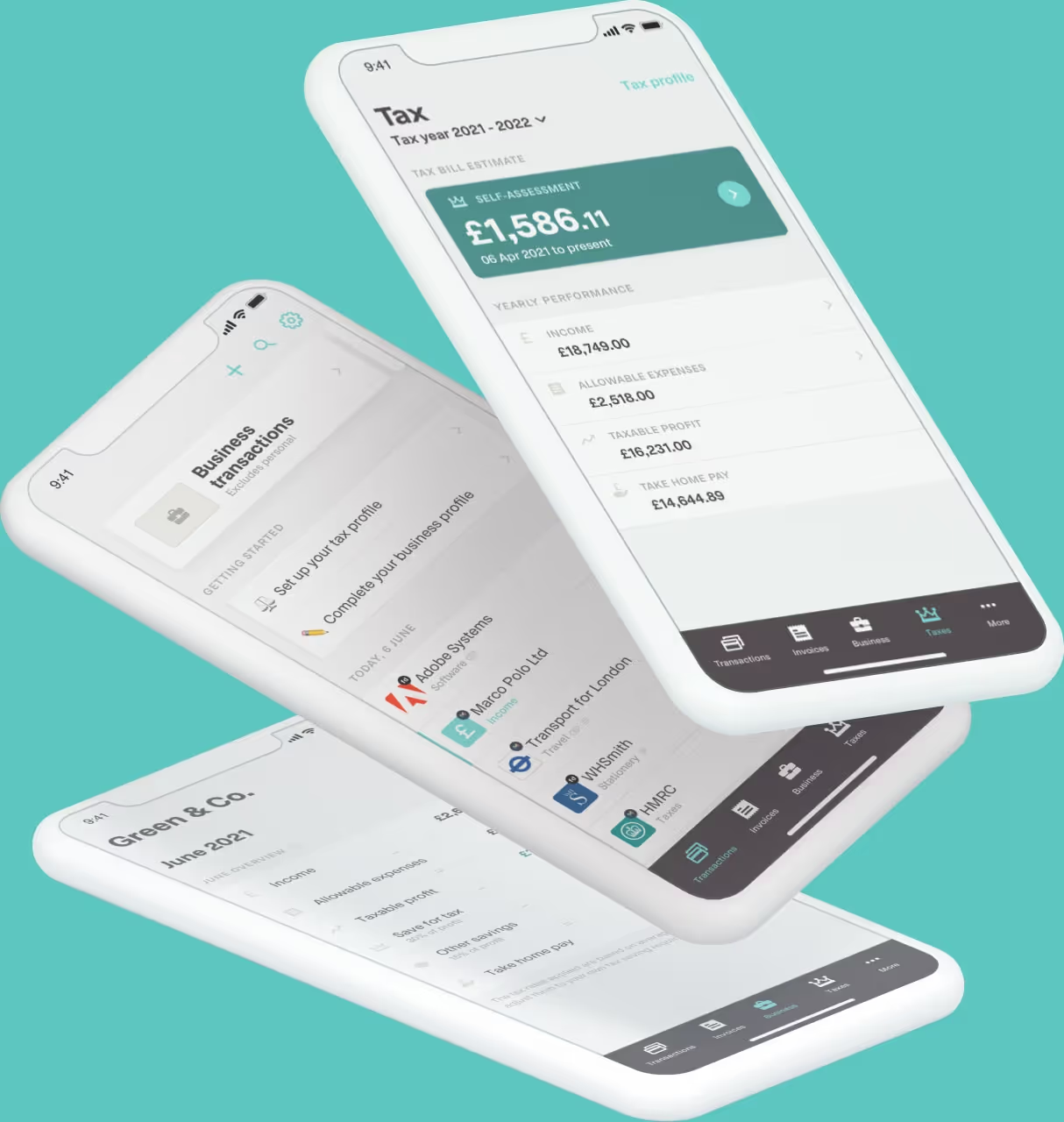
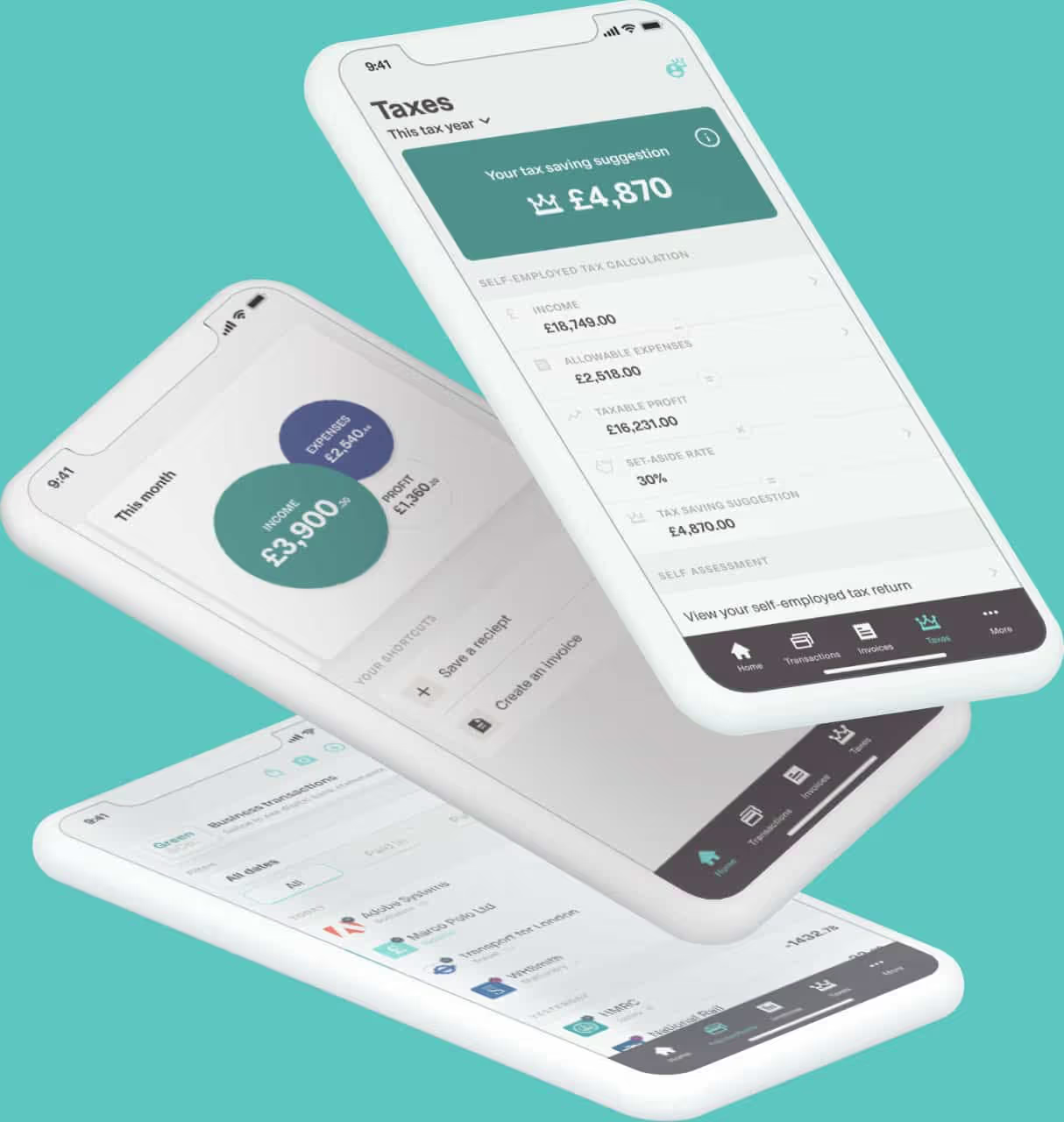
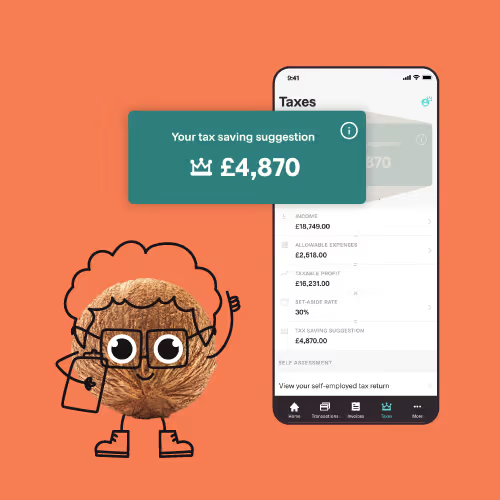
Let’s face it, if your software isn’t easy to use, you won’t use it consistently. Having software that comes with an app means you can upload receipts instantly and categorise expenses on the go. Even better, you can check your tax position anytime.
A study of UK micro‑businesses found that sole traders spend almost a third (31%) of their total working time on financial admin tasks. It’s no surprise that this spills into personal hours - but a tool like Coconut could prevent this.
Choose a software that grows with you
From April 2026, MTD will apply to those landlords and self-employed individuals who earn £50,000 or more. From April 2027, the threshold drops to £30,000+ and then to £20,000+ in April 2028. This means that whether you’re affected yet or not, you may be soon.
Choosing future-ready software now means you can build better habits gradually and don’t need to worry about rushing into any transitions.
One thing’s for sure, digital tax is here to stay. So, by taking action now and picking a software with the right features, you’ll be prepared as the thresholds lower and requirements expand. Explore Coconut today and see how we could help.