





If you work as a self-employed CIS subcontractor, Making Tax Digital change show you report your income and expenses during the tax year.
Instead of only bringing your figures together for one annual Self Assessment tax return, you’ll keep digital records and send quarterly updates to HMRC using compatible software.
Your CIS deductions are handled separately. They count as tax already paid and are taken into account when your final tax liability is calculated at the end of the year.
That distinction is important:
● quarterly updates report your business income and expenses
● CIS deductions are not business expenses
● your year-end tax return brings everything together
● you may receive a CIS tax refund if the deductions exceed your final tax liability
Here’s how the process works, what records you need and how to complete each quarterly update correctly.
What Is a CIS Tax Return?
“CIS tax return” is an informal term often used to describe the Self Assessment tax return completed by a self-employed subcontractor working under the Construction Industry Scheme (CIS).
It is different from the monthly CIS returns submitted by contractors.
Contractors use monthly CIS returns to tell HMRC:
● which subcontractors they have paid
● the gross amounts paid
● how much CIS tax they deducted
● whether any payments were made without deductions
As a subcontractor, you do not normally submit those monthly contractor returns.
Your own responsibility is to report yourself-employment income, allowable business expenses and CIS deductions through Self Assessment.
Once Making Tax Digital for Income Tax applies to you, this reporting process includes:
- keeping digital records
- sending quarterly updates
- completing your year-end tax return through MTD-compliant software
Your CIS deductions are then offset against the Income Tax and National Insurance you owe.
How Does the Construction Industry Scheme Work?
Under the Construction Industry Scheme, contractors may deduct tax from payments made to self-employed subcontractors.
The standard deduction rates are:
● 20% if you are registered for CIS
● 30% if you are not registered or cannot be verified
● 0% if HMRC has approved you for gross payment status
These deductions are advance payments towards your final tax liability. They are not an extra fee charged for working under CIS.
For example, suppose you invoice a contractor £1,000 for labour.
If the contractor deducts CIS tax at 20%, the payment would be recorded as:
● gross income: £1,000
● CIS deduction: £200
● net payment received: £800
The £1,000 is your business income. The £200 is tax already paid on your behalf.
If your total CIS deductions for the tax year are higher than your final tax and National Insurance liability, HMRC may refund the difference. If they are lower, you may still have tax to pay.
When Do CIS Subcontractors Need to Use Making Tax Digital?
Making Tax Digital for Income Tax applies to sole traders and landlords based on their qualifying income.
The rules are being introduced in stages:
● from 6 April 2026: qualifying income over £50,000
● from 6 April 2027: qualifying income over £30,000
● from 6 April 2028: qualifying income over £20,000
Qualifying income is your gross income from self-employment and UK property before expenses are deducted.
For most CIS subcontractors, this will include the full amount earned from construction work before CIS deductions.
If you also receive rental income, HMRC combines that with your self-employment income when checking whether you are over the threshold.
Once MTD applies, you’ll need to:
● maintain digital records
● submit quarterly updates
● complete your year-end tax return through compatible software
What Records Should a CIS Subcontractor Keep?
Accurate records make your quarterly updates and year-end tax return much easier to complete.
You should keep digital records of your income and expenses, along with evidence of the CIS deductions made by each contractor.
Gross business income
Record the full amount earned before CIS tax is deducted in your digital records and your own records, not just the net amount that reaches your bank account.
This may include:
● labour charges
● income from different contractors
● other self-employment income
● amounts received before tax deductions
Payment and deduction statements
A contractor should provide a payment and deduction statement showing:
● your name and details
● the contractor’s details
● the gross payment
● the cost of materials where relevant
● the CIS deduction made
These statements provide evidence of the CIS tax deducted from your subcontractor payments.
Keep them with your digital records for at least 6 years for tax returns, and check them against the payments you receive and the relevant tax month.
Business expenses
Keep records of costs that relate to running your subcontracting business.
These could include:
● tools and equipment
● materials
● protective clothing
● work travel
● vehicle expenses
● insurance
● phone costs
● software subscriptions
● accountancy fees
You should also retain receipts, invoices and other supporting evidence.
Other useful records
You may also need:
● invoices issued to contractors
● bank statements
● mileage records
● receipts
● your Unique Taxpayer Reference
● your National Insurance number
● records of other self-employment income
Keeping accurate records throughout the year makes quarterly updates and the year-end return easier to complete.
Record Gross Income, Not Just the Net Payment
One of the most important parts of CIS record keeping is separating gross income from the deduction made by the contractor.
The amount paid into your bank account is usually the gross labour payment minus CIS tax.
For example:
Your income is £2,000, not £1,600.
The £400 should be recorded separately as CIS tax deducted.
Recording only the net payment would understate yourturnover. It could affect:
● whether you cross the MTD qualifying income threshold
● the income figures in your quarterly updates
● your final tax calculation
● any CIS tax refund due
CIS deductions should never be entered as business expenses. They are payments towards your tax liability.
How to Complete an MTD Quarterly Update
A quarterly update is a summary of the income and expenses recorded for your self-employment business during the tax year.
It is not a complete CIS tax return and it does notsettle your final tax position.
Your software uses the digital records you have kept toprepare the figures for HMRC.
1. Update your digital records
Make sure you have recorded all business transactions for the period.
Check that you have included:
● gross payments from contractors
● income from other self-employment work
● business expenses
● payments made in cash
● transactions from any business bank account you use
You should also make sure the records are categorised correctly.
2. Check gross and net payments
Compare the payments in your records with your CIS deduction statements.
For each payment, make sure you have recorded:
● the full gross income
● the net payment received
● the CIS tax deducted
Only the gross income and relevant business expenses feed into the quarterly update.
The CIS deduction remains separate.
3. Review your expenses
Check that all allowable business costs have been recorded.
You do not normally need to make final tax or accounting adjustments before sending a quarterly update. The update is based on the records kept during the year.
Any necessary year-end adjustments are dealt with when you complete your annual tax return.
4. Review the quarterly figures
Your software should show the income and expense totalsthat will be submitted.
Check that:
● all contractors’ payments are included
● gross income has been used
● CIS deductions have not been treated as expenses
● personal spending has not been included
● transactions have not been duplicated
5. Submit the update to HMRC
Once you are satisfied that the figures are complete,send the update through your MTD software.
The standard quarterly update deadlines are:
These are MTD quarterly update deadlines. They are separate from the monthly CIS returns submitted by contractors and the 31 January deadline for your year-end tax return, and late monthly CIS returns can lead to costly penalties.
If no subcontractor payments were made in a period, anil return is still required through your software to avoid penalties.
Take a look at our guide on how to make quarterly MTD updates to learn more.
What Can You Claim on a CIS Tax Return?
Self-employed CIS subcontractors can generally deduct allowable business expenses when calculating taxable profit.
An expense must be incurred wholly and exclusively for business purposes. Where something is used for both work and personal reasons, you can normally only claim the business share.
Common expenses may include the following.
Tools and equipment
You may be able to claim for tools and equipment needed for your construction work.
The tax treatment can depend on what you bought and your accounting method, so keep clear records and receipts.
Materials
You can record materials bought for your work as business costs where they meet the relevant rules.
Keep these costs separate from labour income and retain the supplier invoices.
Protective clothing
You may be able to claim for:
● safety boots
● hard hats
● high-visibility clothing
● other genuine personal protective equipment
Ordinary clothing is not usually allowable simply because you wear it at work.
Travel and vehicle costs
Allowable costs may include qualifying business journeys, parking and public transport.
You may be able to claim either:
● simplified mileage expenses
● the business proportion of actual vehicle costs
Travel between home and a permanent workplace is not normally treated in the same way as travel to temporary work locations, so the circumstances matter.
Insurance and financial costs
You may be able to claim business-related costs such as:
● public liability insurance
● professional indemnity insurance
● bank charges on a business account
● interest on qualifying business borrowing
Phone and office costs
You may be able to claim the business share of:
● mobile phone bills
● internet costs
● stationery
● postage
● software
Professional fees
Allowable costs may include:
● accountancy fees
● bookkeeping costs
● subscriptions to relevant professional organisations
● MTD software
Claiming allowable expenses reduces your taxable profit. It does not automatically mean you will receive a CIS tax refund, as the final result depends on your overall tax calculation.
What Can’t You Claim?
You cannot claim personal spending or costs that are not connected with your business.
Examples may include:
● ordinary everyday clothing
● private travel
● fines and penalties
● the personal share of a mixed-use cost
● personal meals in normal circumstances
● non-business purchases
Most importantly, you cannot claim CIS deductions as expenses.
CIS deductions are tax already paid. Entering them as an expense would reduce your profit incorrectly and then count the same amount again against your tax liability.
How Are CIS Deductions Treated at Year End?
After the tax year ends, you’ll complete your year-end tax return through MTD-compatible software.
This is where your full tax position is finalised.
The process includes:
● checking your self-employment income
● reviewing business expenses
● making any year-end adjustments
● adding other taxable income where relevant
● claiming allowances or reliefs
● checking the CIS deductions recorded for the year
● reviewing the final Income Tax and National Insurance calculation
Your CIS deductions are then offset against the amountyou owe.
For example:
In this example, HMRC may repay £1,500, subject to its checks and processing.
If the CIS deductions were only £6,000, the subcontractor may still need to pay the remaining £1,500.
The year-end tax return is generally due by 31 Januaryfollowing the end of the tax year.
Do You Still Need to File a Tax Return Under CIS?
Yes.
Working under CIS does not remove the need to complete Self Assessment.
Contractors’ deductions are only advance payments. HMRC still needs your year-end tax return to calculate:
● your total income
● allowable expenses
● taxable profit
● Income Tax
● National Insurance
● deductions already paid
● any remaining bill or refund
Once you are required to use MTD for Income Tax, you will send quarterly updates during the year and complete your annual return through compatible software.
How Much CIS Tax Will You Get Back?
There is no fixed CIS tax refund amount.
The result depends on:
● your total gross income
● allowable business expenses
● other taxable income
● personal circumstances
● Income Tax and National Insurance due
● the total CIS deductions made
You may receive a refund if your CIS deductions are higher than your final liability.
You may receive no refund if the amounts are equal, or you may have more tax to pay if the deductions do not cover the full amount owed.
Online CIS tax rebate calculators can provide an estimate, but they cannot replace your final tax calculation.
Common CIS Reporting Mistakes
A few common errors can make quarterly updates or the year-end return harder to complete.
Recording net payments as income
Always record the gross amount before CIS tax was taken off.
Treating CIS deductions as expenses
CIS deductions are advance tax payments, not a cost of running your business.
Adding deductions to quarterly updates
Quarterly updates report income and expenses. CIS deductions are considered when the final liability is calculated.
Confusing contractor returns with subcontractor reporting
Contractors submit monthly CIS returns. Self-employed subcontractors complete Self Assessment and, where required, MTD quarterly updates.
Losing deduction statements
Keep every payment and deduction statement so you can check the CIS tax recorded for the year.
Leaving records until the deadline
Regular digital record keeping makes quarterly updates easier and reduces the risk of missing transactions.
A Note for Limited Companies
This guide is aimed at self-employed CIS subcontractors operating as sole traders.
Limited companies recover CIS deductions through a different process. They should follow the specific HMRC rules for offsetting deductions through their payroll arrangements.
How Coconut Helps CIS Subcontractors
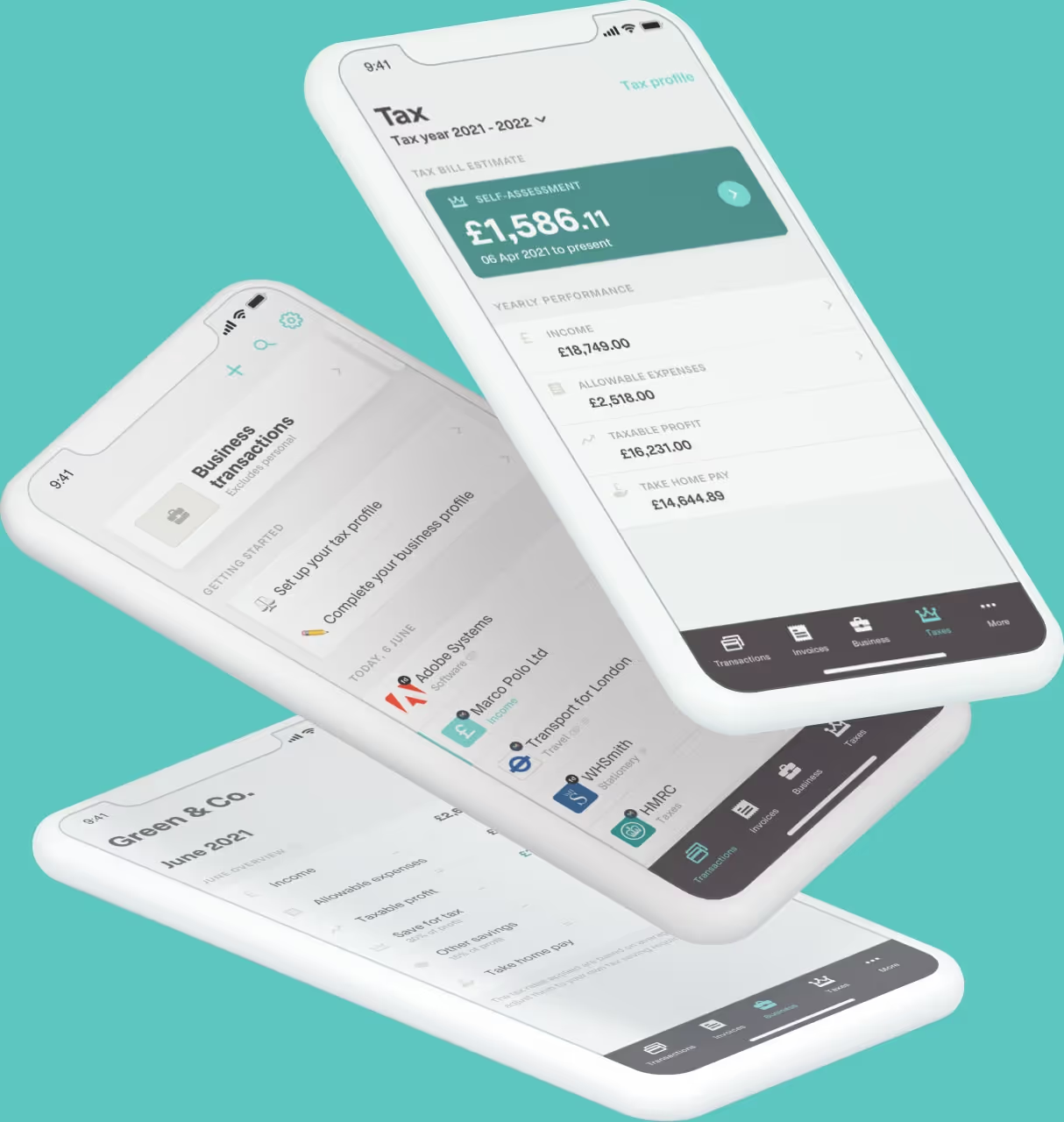
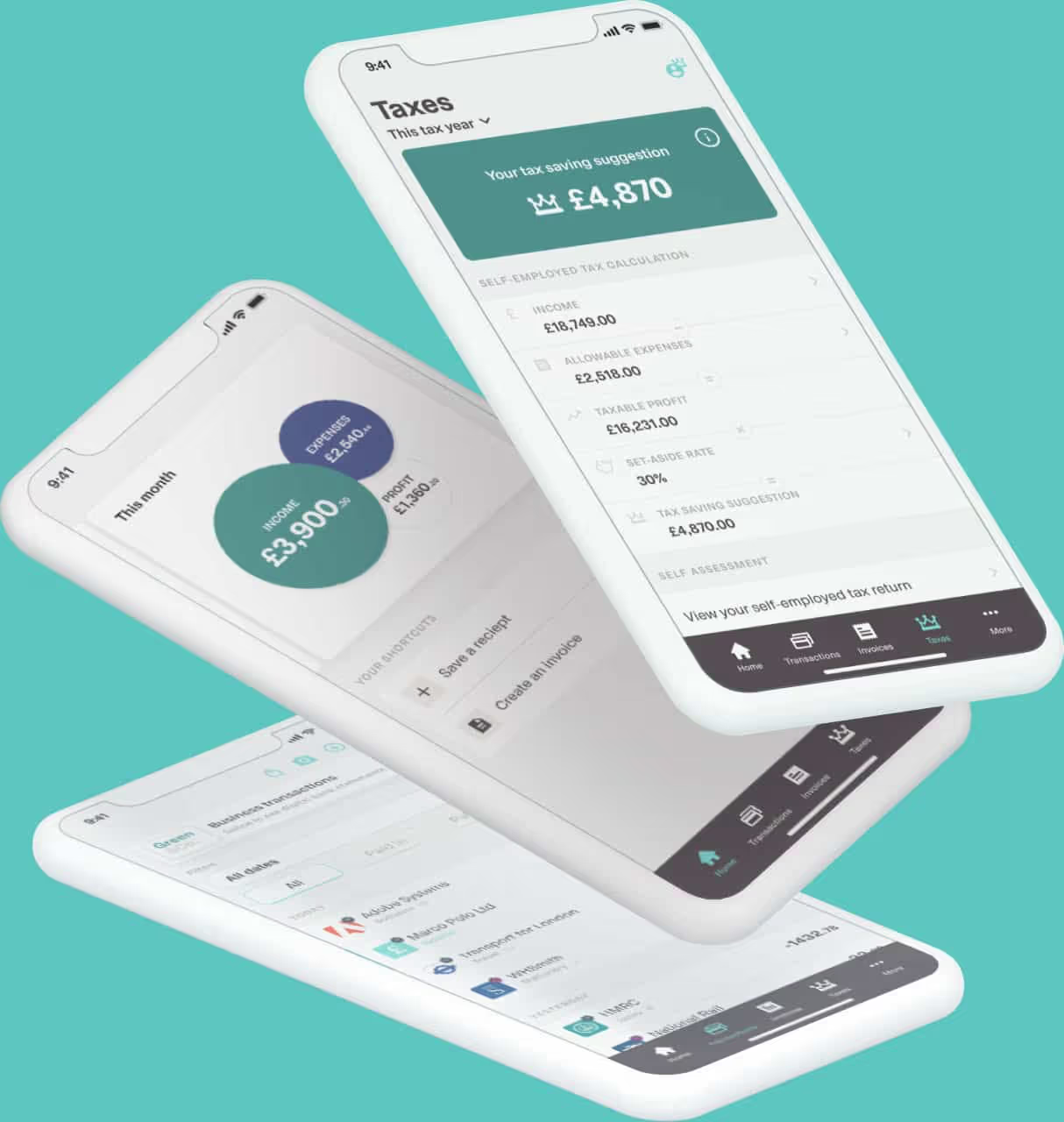
Coconut helps you keep CIS income, expenses and deductions organised throughout the tax year.
You can:
● connect your bank account
● import transactions automatically
● record gross CIS income
● add CIS deductions separately
● categorise business expenses
● snap and store receipts
● see an estimate of your tax position
● manage multiple income streams
● prepare and submit MTD quarterly updates
● complete your year-end MTD tax return
● get expert support when you need it
Keeping CIS deductions separate from your expenses means your quarterly figures stay clear and your year-end tax calculation is easier to check.
Coconut is HMRC-recognised software designed for sole traders, landlords and CIS subcontractors who want a simpler way to stay on top of Making Tax Digital.
Get ready for MTD with Coconut and keep your CIS records organised in one place.