





If you sell through eBay, Etsy, Amazon, TikTok Shop oranother online marketplace, Making Tax Digital (MTD) can sound like one moretax rule to get your head around.
The good news is that selling online does not automatically mean you need to use MTD. The requirement to use MTD for eBay sellers depends on whether your activity counts as trading, whether you need to report that income through Self Assessment, and whether your total qualifying income takes you over the relevant Making Tax Digital threshold.
Here are the basics at a glance:
● Selling your own unwanted personal items is not the same as running an online selling business.
● If your total gross trading income is more than the £1,000 trading allowance, you may need to tell HMRC about it.
● Marketplace reporting rules are separate from your tax obligations. Being reported to HMRC by eBay does not automatically mean you owe tax.
● Making Tax Digital for Income Tax applies to eligible sole traders and landlords based on qualifying income, not simply because they use an online marketplace.
So, if your eBay side hustle has become a proper business, or your online sales are growing, it is worth understanding where you stand before the next tax deadline comes around.
What Is MTD for Online Sellers and How Does It Affect Tax Filing?
Making Tax Digital for Income Tax is a new tax system for eligible sole traders and landlords to keep records and manage Self Assessment.
If MTD applies to you, you will need to use compatible MTD software to keep digital records of your relevant income and expenses. You will also send quarterly updates to HMRC and complete your year-end tax return through compatible software at the end of the tax year.
For an eBay seller, that means keeping an accurate digital picture of the money your business makes and the costs connected with those sales.
Making Tax Digital does not introduce a special tax for eBay, Amazon or TikTok Shop sellers. It changes how qualifying self-employed people keep and report their tax information.
That distinction matters, because there are several different rules that online sellers can easily mix together.
Does Selling on eBay Mean You Need to Pay Tax?
Not necessarily. The first question is whether you aresimply selling personal possessions or whether your activity amounts totrading.
HMRC makes a clear distinction between occasionallyselling things you already own and buying, making or regularly reselling goodswith the intention of making a profit.
Selling personal possessions vs trading on eBay
If you are clearing out old clothes, furniture, electronics or other personal items, you are not automatically running a business just because you list them on eBay.
But the picture changes if you are doing things like:
● buying stock specifically to resell at a profit
● making products to sell online
● regularly sourcing items from charity shops,wholesalers or car boot sales to resell
● operating an eBay business or other marketplace store as an on going side hustle
● selling frequently with the aim of making money
In those circumstances, HMRC may treat the activity astrading.
If you are unsure, HMRC has a tool for checking whether you need to tell them about income from online platforms.
How much can you sell on eBay before declaring it to HMRC?
The key figure for small amounts of trading income isthe £1,000 trading allowance.
If your total gross trading income is £1,000 or less in a tax year, the trading allowance may mean you do not need to tell HMRC about that income. If it goes over £1,000, you may need to register for Self Assessment and report it.
Importantly, this is not a separate £1,000 allowance for every marketplace. If you make £700 selling stock on eBay and another £600 through Etsy, for example, you need to consider the total trading income rather than treating each platform in isolation.
And £1,000 is not a general "eBay tax-free threshold" for personal belongings. Whether a sale is taxable starts with the nature of the activity.
You can read more in Coconut's guide to the £1,000 trading income allowance.
Is HMRC Going After eBay Sellers?
HMRC is receiving more information from online marketplaces, but that does not mean every eBay seller is suddenly being taxed.
Under digital platform reporting rules, marketplaces may have to collect information about sellers and report certain details and sales information to HMRC.
For sales of goods, a platform generally does not have to report your details if you make fewer than 30 sales and receive less than €2,000, roughly £1,700, in a calendar year.
This figure causes a lot of confusion. It is a platform reporting threshold, not a new tax allowance.
So, if eBay reports information about you to HMRC, that does not automatically mean:
● you are trading
● you need to pay Income Tax
● you have crossed the £1,000 trading allowance
● Making Tax Digital applies to you
Those questions are worked out separately under the normal tax and MTD rules.
HMRC's guidance for people selling through digital platforms explains what marketplaces may report and why.
MTD for eBay Sellers: When Does Making Tax Digital Apply to eBay andMarketplace Sellers?
Making Tax Digital for Income Tax applies to eligible individuals based on their qualifying income.
For an eBay seller trading as a sole trader, your online marketplace income forms part of your self-employed income. If you also have another sole trader business or property income, those qualifying income sources can count together when HMRC checks whether you are over the threshold.
The rollout is phased:
Qualifying income is based on your gross self-employment and property income before expenses, using the relevant previous Self Assessment tax return.
Employment income taxed through PAYE does not become eBay business income just because you have both. The MTD qualifying income test focuses on the self-employment and property income covered by the rules.
You can check the current criteria in HMRC's Making Tax Digital for Income Tax eligibility guidance.
Do all sole traders need to do MTD?
No. Being a sole trader does not automatically put you into Making Tax Digital for Income Tax.
You need to look at your qualifying income and the threshold that applies for the relevant year. Some people may also be exempt from MTD in particular circumstances.
If you are an eBay seller operating as a sole trader and your qualifying income is below the threshold that applies to you, you can continue to deal with Self Assessment under the existing rules for now.
This is separate from MTD for VAT. VAT-registered businesses have their own Making Tax Digital requirements, so an online seller could potentially be within MTD for VAT, MTD for Income Tax, both systems, or neither.
What Income Counts Towards MTD if You Sell Online?
For Making Tax Digital, the important figure is your qualifying gross income, not the profit left after you deduct business expenses.
That means an online seller should not look only at the amount left after eBay fees, postage, advertising and other costs.
It also means you need to consider different qualifying income streams together.
For example, imagine you receive:
● £25,000 in gross income from an eBay business
● £10,000 from another online selling business
● £8,000 in qualifying property income
That is £43,000 of qualifying income before expenses. You would then compare that total with the MTD threshold that applies for the relevant year.
This is one reason good records matter. If you sell across several marketplaces, it can be easy to focus on individual payouts rather than the full sales picture.
Gross Sales vs eBay Payouts: What Should You Record?
An eBay pay out is not necessarily the same thing as your sales income.
Online marketplaces can deduct amounts before sending money to your bank account. Depending on your setup, these might include:
● eBay fees or listing fees
● payment processing charges
● refunds
● postage labels
● advertising costs
● subscriptions or other marketplace charges
Say your marketplace statement shows £5,000 of gross sales for a period. It also shows £300 of customer refunds, £350 of platform fees and £150 of postage-related charges before the money reaches your bank account.
If you only record the final bank pay out as "sales", you lose the breakdown behind that figure.
Your digital records should make it possible to understand the gross sales, refunds, fees and other relevant costs separately. That gives you a clearer view of your business and makes it easier to produce accurate tax reporting figures.
This is particularly important if you rely on a bank feed. Your bank account can show the pay out that arrived, but it may not show everything that happened inside the marketplace before that payment was made.
Coconut's guide to bridging software for online marketplaces and MTD goes into this in more detail, including how to organise gross sales, marketplace fees, refunds and net payouts.
What Digital Records Do Online Sellers Need to Keep?
If Making Tax Digital applies to you, you need to keep the required records digitally using a compliant software setup.
For an online selling business, useful records are likely to include:
● gross sales and other trading income
● platform and transaction fees
● customer refunds
● stock or materials bought for the business
● postage and packaging costs
● advertising costs
● other allowable business expenses
● receipts and supporting documents
The exact tax treatment of a cost depends on what it is and your circumstances, so keeping the information organised is important even when the marketplace or your bank has already recorded the payment.
Coconut's guide to keeping digital records for Making Tax Digital explains the wider record-keeping requirements.
Do you need to record every eBay sale individually?
Not always.
HMRC's 2026 digital record-keeping direction includes are tail-sales easement. Where it applies, a retailer can choose to keep a single digital record of daily gross takings for retail sales rather than a separate MTD digital record for every individual transaction.
HMRC specifically says those daily gross takings can include retail sales completed through third-party online sales platforms.
So, the rule is more nuanced than "every eBay sale must always be entered one by one".
You still need records that accurately support your figures, and the right setup will depend on how your business works. If you use marketplace reports, spreadsheets or other software, make sure the information is transferred and stored in a way that supports your MTD obligations.
You can read the details in HMRC's Making Tax Digital digital record-keeping direction.
How Do Quarterly Updates Work for eBay Sellers?
Once Making Tax Digital applies, you send quarterly updates to HMRC using compatible software.
The basic routine is straightforward:
- Keep your digital sales and expense records up to date.
- Check that marketplace sales, fees, refunds and other costs have been recorded correctly.
- Use MTD-compatible software to create the quarterly update from your digital records.
- Review the figures and submit the update to HMRC.
- At the end of the tax year, review the full year's information and complete your Income Tax return through your software.
Quarterly updates are not four complete tax returns. They are regular updates based on the digital records you have kept during the year, and they do not replace your year-end tax return.
That is why keeping on top of your records can make such a difference to quarterly updates. If your eBay sales, fees and expenses are already organised, you are not trying to rebuild three months of marketplace activity every time an update is due.
For a closer look at the process, read Coconut's guide on how to file a Making Tax Digital for Income Tax quarterly update.
What MTD Software Options Do Marketplace Sellers Have?
You do not necessarily need to throw away the record-keeping system you already use.
The important thing is that your Making Tax Digital setup lets you maintain the digital records you need and submit the required information to HMRC through compatible software.
For marketplace sellers, there are two common routes.
Bridging software vs full MTD software
Bridging software can work well if you already keep accurate records in a spreadsheet. You can continue organising your marketplace data there and use bridging software to create the digital connection to HMRC.
That can be a straightforward option if you already know exactly how your eBay sales, fees, refunds and expenses fit together.
Full MTD software may suit you better if you want more help with the bookkeeping behind the submission. Depending on the software, that could include bank feeds, income and expense categorisation, receipt capture, tax estimates and year-end filing in the same system.
Neither approach is automatically "better". The right choice depends on how you already work, how many transactions you deal with and how much of the process you want to automate.
You also do not have to hire an accountant simply because MTD applies. There is no standard accountant fee for MTD submissions: prices depend on the amount of bookkeeping, the complexity of your business and what work you want the accountant to handle. Some sellers will prefer professional help, while others may be comfortable using MTD software themselves.
How Coconut Can Make MTD Easier for Online Sellers
If your online selling has grown into a proper business, the goal is not to create another layer of admin. It is to make your records easier to manage as you go.
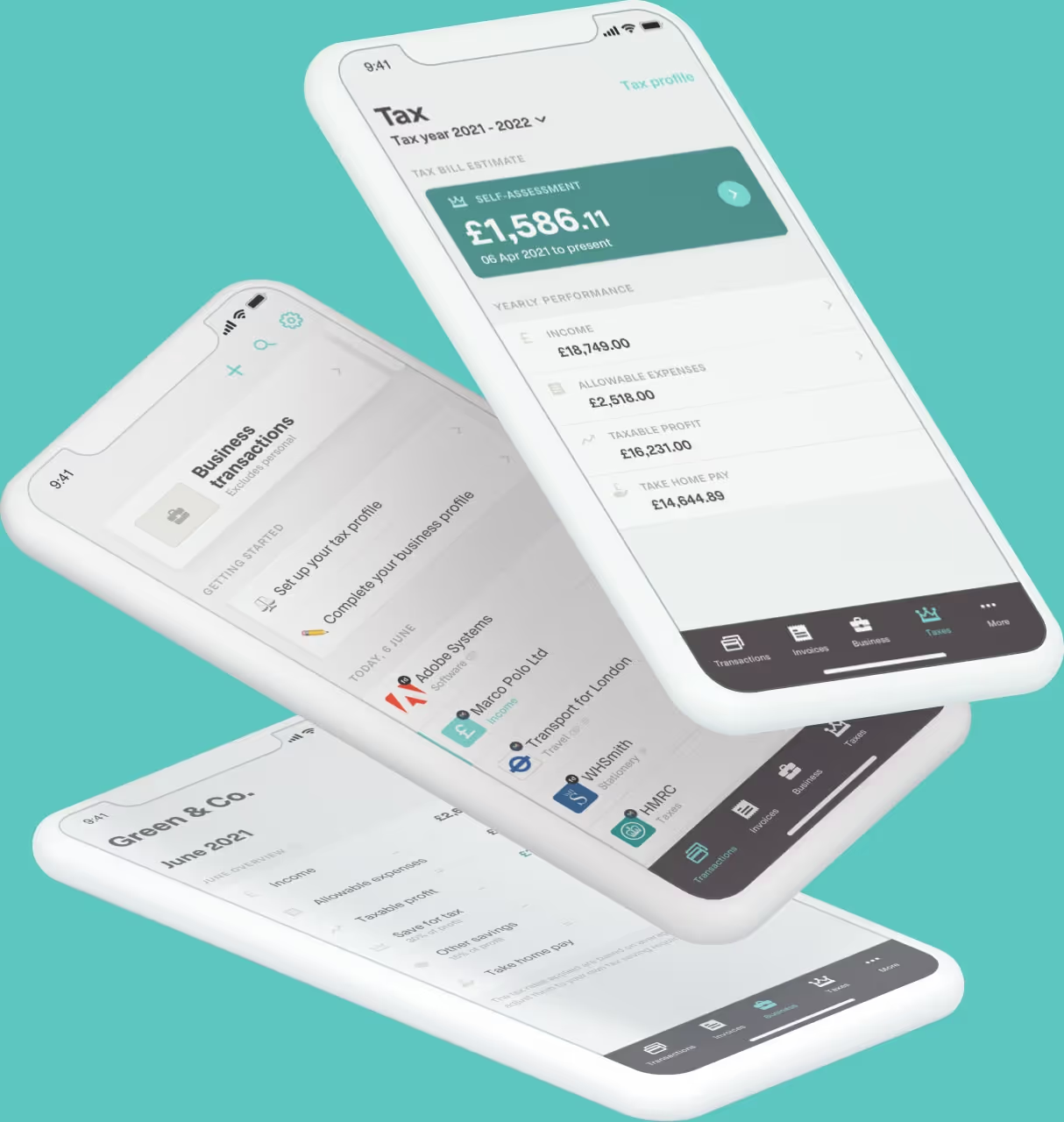
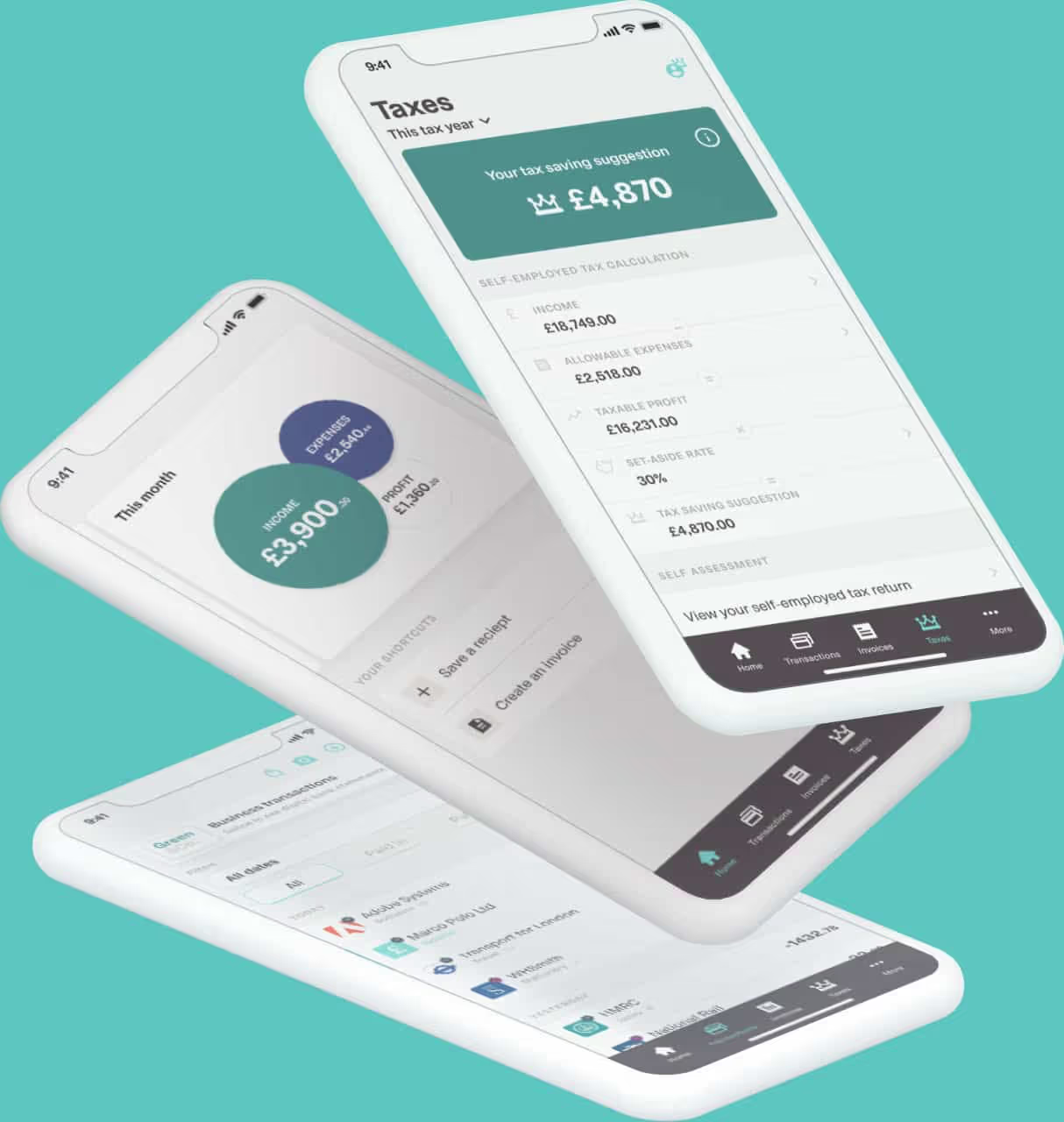
Coconut's MTD software is HMRC-recognised and built for self-employed people who want a simpler way to manage Making Tax Digital.
With Coconut, you can:
● connect your bank account and import transactions
● organise income and expenses
● snap and store receipts
● manage multiple income streams
● see an in-year tax estimate
● prepare and submit quarterly updates
● complete your MTD year-end tax return
For marketplace sellers, it is worth remembering that a bank feed cannot always show the full story behind an eBay payout. If fees and other deductions happen inside the marketplace first, you still need the underlying gross sales information to keep your records accurate.
If you already manage that gross sales detail in a spreadsheet, Coconut's marketplace bridging guidance explains how a bridging setup can let you keep that process and connect it to HMRC.
If you would rather bring more of your bookkeeping and MTD filing together, Coconut's full MTD software gives you more support with the records behind each submission.
The important thing is choosing a setup that fits how your online business actually works - so Making Tax Digital feels manageable, not like another job on the list.