





The rollout of Making Tax Digital for Income Tax is finally here. For many self-employed individuals and landlords, this means the way you interact with HMRC is changing from an annual event to a quarterly process. With it, comes new deadlines and consequences of missing them - keep reading to find out more.
When are the MTD deadlines?
Under Making Tax Digital, you need to provide four quarterly updates followed by a final Self Assessment, for the previous tax year, at the end of the year. For the 2026/27 tax year, the quarterly deadlines are:
- Quarter 1 (6 Apr – 5 Jul): Due 7 August 2026
- Quarter 2 (6 Apr– 5 Oct): Due 7 November 2026
- Quarter 3 (6 Apr – 5 Jan): Due 7 February 2027
- Quarter 4 (6 Apr – 5 Apr): Due 7 May 2027
Your final MTD tax return and any tax payments are due by 31 January 2028.
The new points-based penalty system
It’s not just new deadlines you need to get your head around. HMRC is also moving to a penalty system that works like a driving license. Instead of an immediate fine for one mistake, you accumulate points.
- If you miss a quarterly update, you get a point.
- For quarterly filers, the threshold is 4 points.
- Once you hit 4 points, you’re fined £200. Every subsequent late submission also triggers a £200 fine.
- There’s a separate late payment penalty. If you don't pay your tax bill within 15 days of the deadline, a 3% penalty applies. This increases to 6% if you reach 30 days late, plus daily interest.
The soft landing
Don’t worry - HMRC is offering a bit of grace for 2026. For the 2026/27 tax year, they’ve confirmed there won’t be any late submission penalty points for quarterly updates. This allows you to get used to the software without fear of accidental points.
However, this grace period doesn’t apply to the Self Assessment or the actual tax payments. If you're late with the money, the penalties are still real.
What to do if you get a point
Thankfully, any points you do rack up, won’t stay forever. To reset your points to zero, you must:
- Complete a period of compliance (submitting everything on time for a full 12 months).
- Ensure all outstanding submissions from the previous 24 months are up to date.
Why Coconut makes it easier
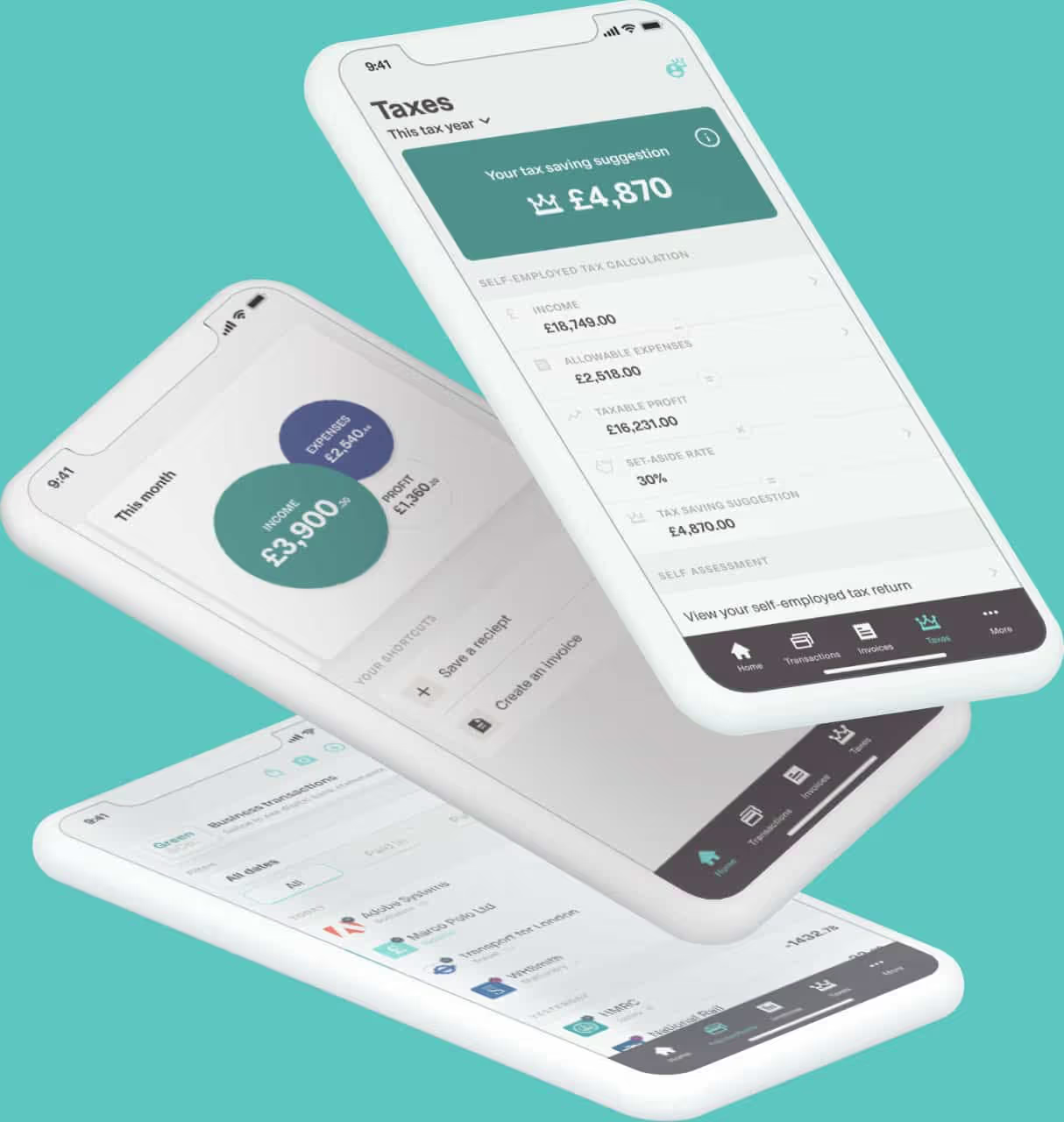
Your approach to Making Tax Digital shouldn’t just be about not getting fined. The new rules give you a real-time view of your tax bill meaning you have a better picture of your finances and can plan more efficiently.
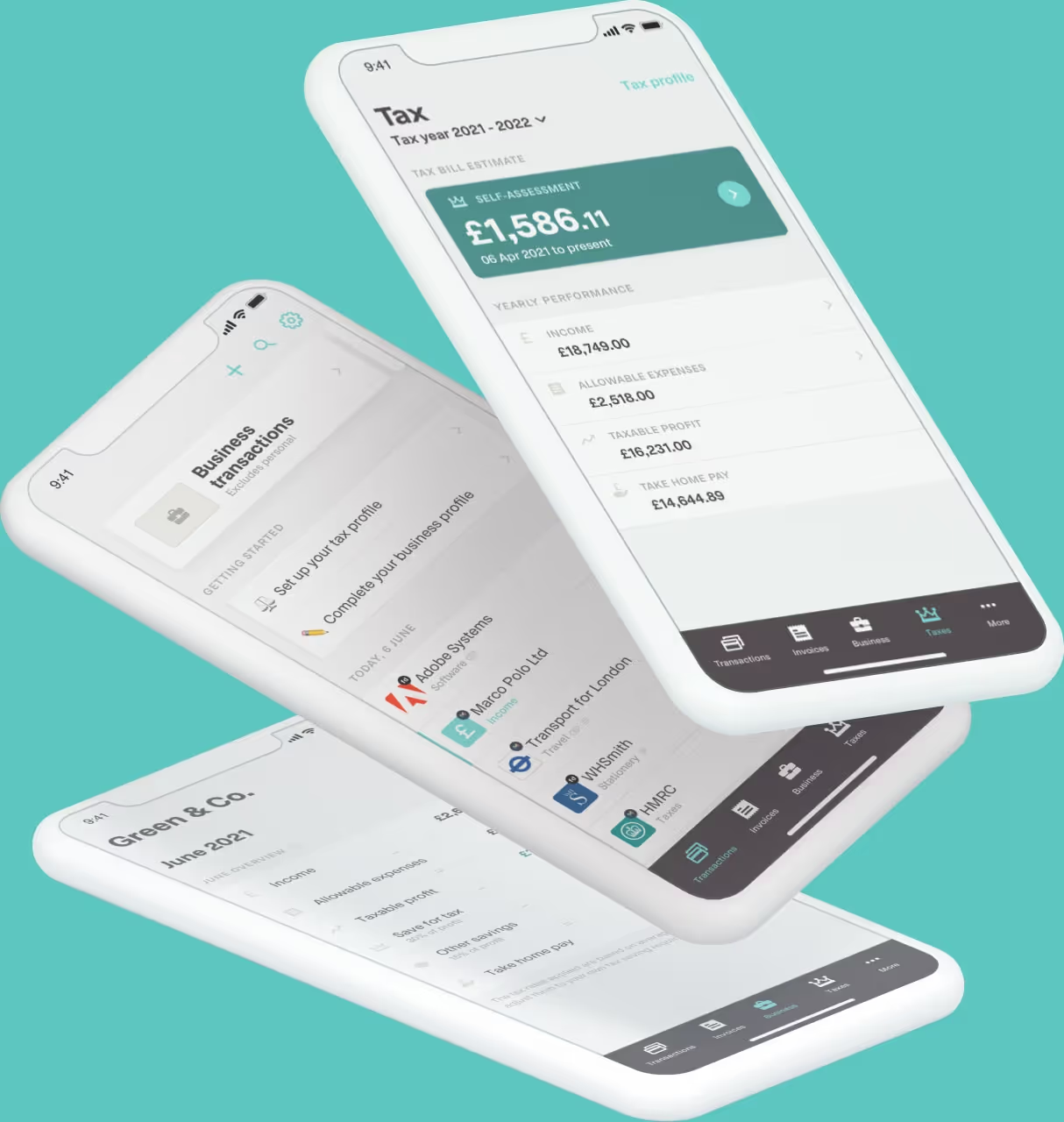
Of course, managing five submissions a year is a big jump in admin. But that’s where Coconut comes in. When your income and expenses are categorised automatically as you spend, your MTD quarterly updates become a simple task instead of a dreaded deadline.
Don’t let the new rules trip you up. Start your free 14-day trial with Coconut and see how easy quarterly reporting can be. We’ll even send you reminders and ensure your digital records are always ready.