





If you sell through Amazon, Etsy, eBay, Shopify or another online marketplace, you may already keep your sales records in a spreadsheet.
The good news is that you do not necessarily need to replace that system when Making Tax Digital for Income Tax applies to you.
There are bridging software solutions for online marketplaces and MTD that let you keep spreadsheet-based digital records and connect the figures to HMRC. The bridging software handles the submission, while you continue managing sales, fees and expenses in the format you already understand.
For online sellers, the main challenge is usually not the connection to HMRC. It is making sure the figures in your spreadsheet accurately separate:
● gross sales
● marketplace fees
● customer refunds
● postage and shipping costs
● advertising costs
● other expenses
● net payouts
If you already organise this information clearly, Making Tax Digital bridging software can be a focused, low-cost route to MTD compliance.
If you process a high volume of transactions or sell through several marketplaces, Coconut’s MTD filing software may save more time by importing transactions, categorising income and expenses, and keeping your digital records and MTD submissions together.
Here is how each option works and how Coconut supports both routes.
Are There Bridging Software Solutions for Online Marketplaces and MTD?
Yes. Online marketplace sellers can use bridging software for Making Tax Digital.
Bridging software connects your existing digital records to HMRC’s MTD system. If your records are held in Microsoft Excel, Google Sheets or another supported spreadsheet format, you can continue using them rather than moving your entire bookkeeping process into a new accounting platform.
The process generally works like this:
- Export sales, fee, refund and payout reports from your online marketplace.
- Import or organise those reports in a spreadsheet.
- Record gross income and expenses separately.
- Connect the spreadsheet to compatible bridging software.
- Review the figures for the quarterly submission.
- Submit your quarterly update to HMRC.
Your marketplace and spreadsheet handle the underlying business records. The Making Tax Digital bridging software provides the required digital link to HMRC.
Some bridging tools may use a prepared spreadsheet template, while others allow you to upload or map figures from your existing records.
The right software should fit around the way you already manage your marketplace business.
When Does Making Tax Digital Apply to Online Sellers?
Making Tax Digital for Income Tax applies to sole traders and landlords based on their qualifying income.
MTD for Income Tax started on 6 April 2026 for some taxpayers.
The phased thresholds are:
● from April 2026: qualifying income over £50,000
● from April 2027: qualifying income over £30,000
● from April 2028: qualifying income over £20,000
Qualifying income is your gross income from self-employment and property before expenses are deducted.
For a marketplace seller, this usually means the full value of your trading sales before marketplace fees, refunds, postage, advertising and other business costs are taken off.
If you also receive property income, such as rental income, HMRC combines it with your self-employment income when checking whether you cross the threshold.
Employment income taxed through PAYE, dividends and pension income do not usually count towards the MTD qualifying income test. They may still need to be included when you complete your year-end Income Tax return.
If MTD for Income Tax applies to you, you will need to:
● maintain digital records
● submit quarterly updates
● complete your final declaration or year-end MTD tax return
● use MTD-compatible software throughout the filing process
A spreadsheet can form part of that MTD software setup, but it will need to connect to HMRC through compatible bridging software.
Is MTD for Income Tax the Same as MTD for VAT?
No. MTD for Income Tax and MTD for VAT are separate systems.
Many online sellers are familiar with Making Tax Digital because VAT-registered businesses already need to maintain digital records and submit VAT returns using compatible software.
MTD for Income Tax applies separately to eligible sole traders and landlords.
A marketplace seller could therefore be:
● using MTD for VAT only
● using MTD for Income Tax only
● required to follow both systems
● outside both systems for now
Limited companies generally pay Corporation Tax rather than Income Tax on their company profits. MTD for Income Tax is aimed at individuals within Income Tax Self Assessment, including sole traders and landlords.
A person who trades through a limited company may have separate Corporation Tax responsibilities. They may also have personal self-employment or property income that needs to be considered separately.
For most sole trader marketplace sellers, the important question is whether their gross self-employment and property income takes them over the relevant MTD Income Tax threshold.
What Does the MTD Income Tax Filing Process Involve?
Once Making Tax Digital for Income Tax applies, you will keep digital records throughout the tax year and send quarterly updates to HMRC.
The standard quarterly update deadlines are:
● 7 August
● 7 November
● 7 February
● 7 May
These quarterly updates contain summaries of yourself-employment income and expenses. They are not four complete Self Assessment tax returns.
After the tax year ends, you will review your figures, make any necessary adjustments and submit your final declaration through MTD Income Tax software.
This year-end submission completes your Income Tax Self Assessment position. It may also include other income, allowances and information that was not part of your quarterly updates.
Your chosen MTD software therefore needs to support the submissions you need to make. Some bridging software may focus on quarterly updates, while other products can also support the year-end return.
Check this before choosing a product.
How Marketplace Sales Data Can Be Used for MTD
Online marketplaces commonly provide downloadable reports covering sales, fees, refunds and payouts.
Depending on the platform, you may be able to export:
● order reports
● transaction reports
● sales reports
● payment reports
● payout summaries
● refund reports
● fee statements
● advertising reports
These are often provided as CSV or Excel files.
For example, sellers may download information from:
● Amazon Seller Central
● Etsy Shop Manager
● eBay Seller Hub
● Shopify reports
● payment services linked to their marketplace account
Report names and formats can vary, and online platforms may update their dashboards over time. The important point is to obtain enough information to identify your full sales income and the costs deducted before each payout.
Once exported, the data can be organised in a spreadsheet and used as part of your digital record keeping.
Gross Sales vs Net Payouts
The money paid into your bank account may be lower than your actual marketplace sales.
That is because platforms often deduct charges before sending your payout.
These deductions may include:
● listing fees
● transaction fees
● payment processing charges
● customer refunds
● postage labels
● advertising costs
● subscriptions
● amounts held in reserve
Suppose your marketplace sales for a quarter total£12,000.
During the same period, the platform deducts:
● £1,000 in marketplace and payment fees
● £500 in customer refunds
● £600 in postage
● £400 in advertising costs
The amount paid into your bank account may be £9,500.
However, your gross sales were still £12,000.
Recording only the £9,500 payout as income could understate your gross income. It would also make it harder to see and record the separate costs associated with earning that income.
Your digital records should therefore distinguish between the full value of your sales and the amounts deducted.
A clear marketplace record might show:
This gives you a clearer view of your turnover and business expenses.
It also means your MTD Income Tax software has the correct figures when you submit quarterly updates and later complete your final declaration.
How to Organise Marketplace Data in a Spreadsheet
The best spreadsheet structure is one that makes your income and costs easy to identify and review.
Useful fields may include:
● transaction date
● order reference
● marketplace
● product sales
● shipping charged to the customer
● gross income
● customer refunds
● marketplace fees
● payment processing charges
● postage and delivery costs
● advertising expenses
● packaging costs
● other business expenses
● net payout
You may not need every column. Your spreadsheet should match the way your business works and the level of detail required for your digital records.
If you sell through several platforms, you could use:
● a separate tab for each marketplace
● one consistent format across every tab
● a quarterly summary sheet
● separate columns for each type of deduction
● a clear record of which payout relates to which sales period
Keep the original marketplace exports as supporting financial records. They can help you check your spreadsheet totals and understand how each net payout was calculated.
Reliable existing records make the quarterly submission process much simpler.
How Bridging Software Works With Spreadsheet Data
Bridging software takes the relevant figures from your spreadsheet and transfers them to HMRC’s systems.
Depending on the software provider, you may need to:
● upload a CSV file
● connect an Excel spreadsheet
● use a prepared MTD template
● map specific spreadsheet cells
● import a quarterly summary
● approve the figures before submission
The software connects to HMRC through an API. This allows it to send your quarterly updates and other supported MTD submissions securely.
Bridging software does not usually replace your existing record-keeping process. You still record income and expenses in your spreadsheet, existing software, or other accounting tools.
The bridging tool provides the connection between those existing records and HMRC in line with HMRC requirements, using appropriate digital links between records and submissions so the process remains MTD compliant.
This setup is ideal for users with existing record systems, especially spreadsheet-based ones, and can also help businesses still relying on legacy software.
What Are Digital Links?
Making Tax Digital requires information moving between different parts of your record-keeping and submission setup to remain digitally linked.
For an online seller, the process might involve:
- exporting a report from the marketplace
- importing it into a spreadsheet
- using bridging software to submit the spreadsheet figures
- transferring the figures to HMRC through the software’s API
Common digital links include:
● CSV imports
● spreadsheet uploads
● linked spreadsheet cells
● file transfers
● automated connections
● API transfers
The main rule is that information moving between software products should be transferred digitally rather than being manually retyped into the MTD submission tool.
You can still enter transactions into your original spreadsheet as part of maintaining your business records.
The digital-link requirement applies to the transfer of information between the different products used in your MTD filing process.
Why Marketplace Sellers Choose Bridging Software
Bridging software can be an effective MTD Income Tax solution for sellers who already have an organised bookkeeping system.
Keep your existing records
If you have spent time building a spreadsheet that suits your business, you may not want to replace it.
Bridging software lets you retain your existing records and add the HMRC connection needed for Making Tax Digital.
You can continue using your own categories, formulas and marketplace summaries.
Make fewer changes to your process
Moving to full accounting software can mean learning anew platform and changing how you record sales and expenses.
Bridging software allows you to keep familiar spreadsheet-based record keeping while meeting the MTD requirements.
Use focused MTD software
Some sellers do not need full accounting platforms or a large set of accounting tools. Those are typical features of bookkeeping software, which often includes invoicing and payroll.
If the marketplace processes customer payments and your spreadsheet already records income and expenses, a focused bridging product may give you the MTD filing features you need without unnecessary extras.
Keep costs lower
Bridging software is generally lower cost than full accounting software because it performs a more focused role.
Prices vary between software providers, but a simple annual bridging plan may be suitable for sellers who want a direct route from their digital records to HMRC.
Stay in control of marketplace figures
Marketplace reports can contain several different fees and adjustments.
Managing the figures in your own spreadsheet allows you to see exactly how gross sales, deductions and net payouts fit together before anything is submitted.
When Coconut’s MTD Filing Software Can Save More Time
Bridging software works best when your existing recordkeeping is already reliable.
Coconut’s MTD filing software may be more useful if you want help gathering and organising your financial information as well assubmitting it to HMRC.
High transaction volumes
A marketplace business may start with a manageable number of monthly orders, then grow quickly.
At higher volumes, downloading reports, maintaining spreadsheets and checking payout totals can take more time.
Coconut can import transactions securely through Open Banking, helping you reduce manual data entry and keep your records updated throughout the tax year.
Sales through several marketplaces
Selling through Amazon, Etsy, eBay and Shopify can mean dealing with:
● several report formats
● different payout schedules
● multiple fee structures
● separate refunds
● payments arriving through different services
Coconut helps you manage multiple income streams in one place, giving you a clearer view of what is coming in and going out.
Bank feeds
Bank feeds connect your business bank account to Coconut.
Transactions are imported automatically, giving you a clearer record of marketplace payouts and business expenses without manually ntering every bank movement.
A bank feed does not always provide the full gross sales breakdown by itself, as marketplace payouts may already be net of fees. However, it can make reconciliation and expense tracking much easier.
Receipt capture
Marketplace sellers may also pay for:
● stock
● packaging
● postage
● equipment
● software
● storage
● advertising outside the platform
Coconut lets you snap and store receipts, then attach them to the relevant transactions.
This helps keep your digital records organised and reduces the risk of supporting information being lost.
Expense tracking and categorisation
Coconut can help categorise income and expenses and keep your records organised throughout the year.
That means less work when quarterly updates are due, because the figures behind your submission are already easier to review.
In-year tax estimates
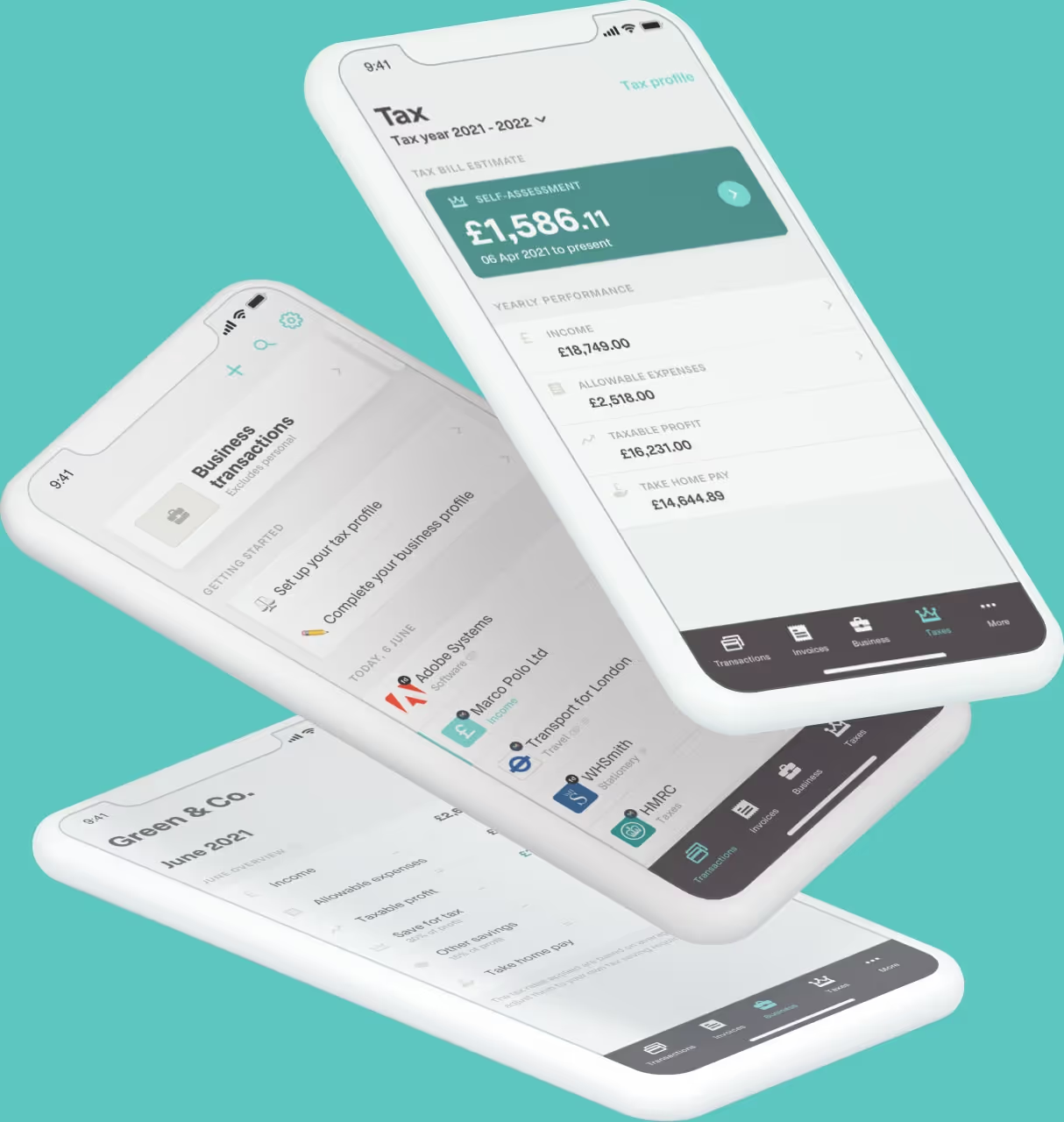
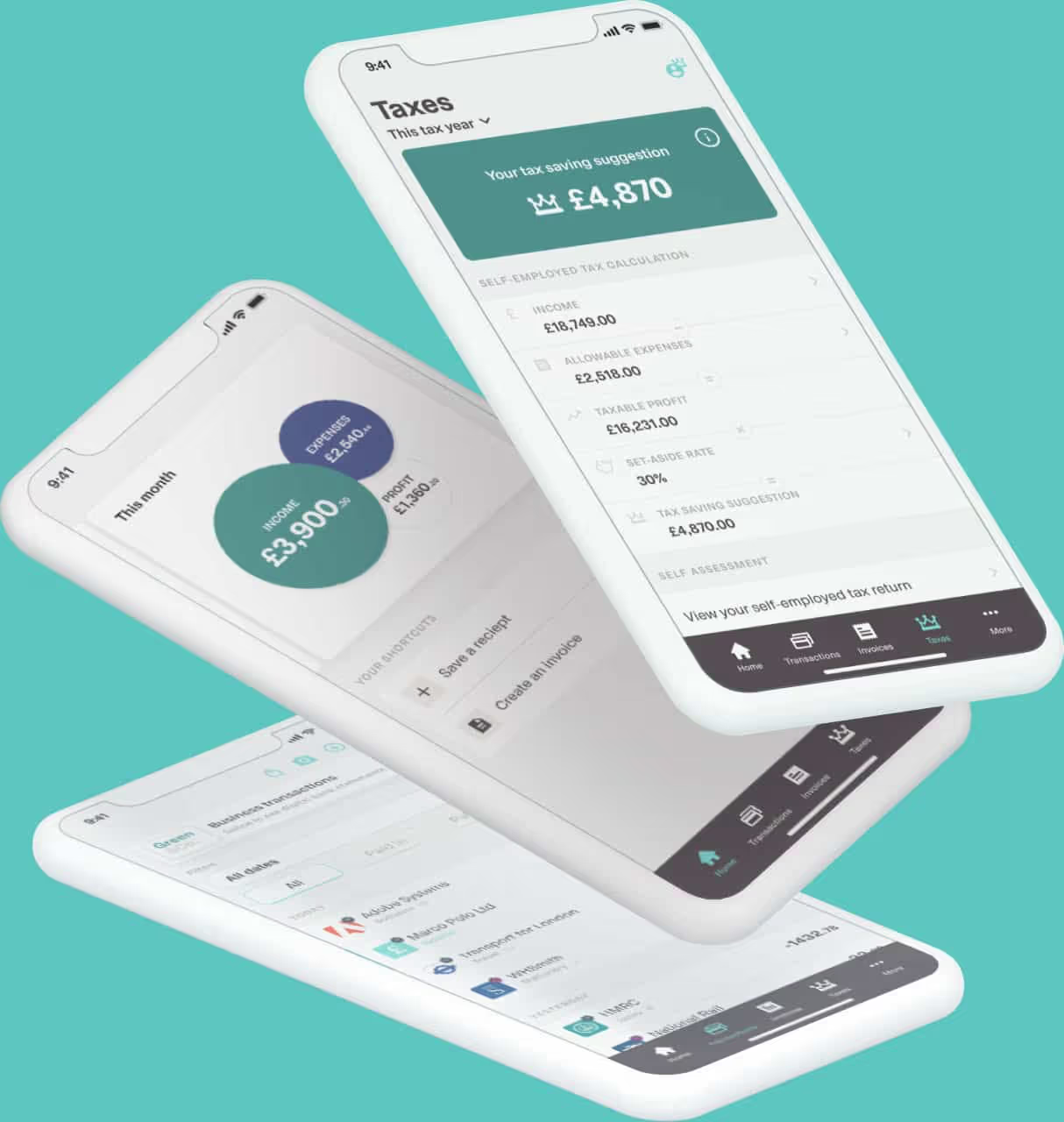
Coconut uses your recorded income and expenses to show an estimate of your Income Tax and National Insurance as you go.
This does not replace your final tax calculation, but it can help you plan ahead rather than waiting until the year-end return.
Bridging Software or Full MTD Software?
Both routes can help you meet the Making Tax Digital requirements. The best option depends on your existing records and how much support you want with the work behind your submissions.
Bridging software can be a practical alternative to full accounting platforms if you want to keep your current spreadsheet-based process.
Coconut Bridging may suit you if:
● your existing records are accurate and up to date
● you already separate gross income from marketplace deductions
● you sell through one or two platforms
● your transaction volume is manageable
● you want a focused, lower-cost MTD solution
● you are comfortable checking your own quarterly figures
Coconut's fuller MTD solution may suit you if:
● you want to connect your bank account
● you manage high transaction volumes
● you sell through several online marketplaces
● you want automatic income and expense tracking
● you want receipt capture
● you want your digital records and MTD filing in one place
● you would find an in-year tax estimate useful
● you want your MTD year-end return included
What to Look for in MTD Bridging Software
When comparing bridging tools, focus on how well each product fits your marketplace records.
HMRC recognition
Make sure the product is recognised for MTD for Income Tax.
Software compatible with MTD for VAT may not necessarily provide MTD Income Tax filing.
Check which submissions the software supports, including:
● quarterly updates
● the final declaration
● any other Income Tax filing features you need
Supported formats
The bridging software should work with the spreadsheet and export formats you use.
This may include:
● Microsoft Excel
● Google Sheets
● CSV files
● marketplace sales exports
● a provider’s bookkeeping template
Check whether the software can use your existing records or whether you need to move the figures into a new template.
Easy uploads
A clear upload process should let you:
● choose the correct spreadsheet
● map the relevant figures
● confirm the reporting period
● review your income and expense totals
● send the quarterly submission
● see whether HMRC has accepted it
You should understand exactly what is being submitted.
Clear checking
Bridging software cannot confirm whether every transaction has been recorded correctly.
However, it should identify problems such as:
● blank submission fields
● unsupported file formats
● broken links
● invalid figures
● unsuccessful submissions
Useful checks make it easier to resolve technical issues before a deadline.
Support
Look at the help available from the software provider.
Consider whether it offers:
● email support
● live chat
● phone support
● guidance for spreadsheet users
● help with failed uploads
● support for HMRC connection issues
This can be important when a quarterly update or final declaration is due.
Transparent pricing
Check what the price includes.
Some software providers charge:
● an annual fee
● a monthly subscription
● per submission
● according to the number of businesses
● according to the number of income sources
Find out whether the price includes all quarterly updates and the year-end Income Tax return.
Free MTD software may be available for people with simple tax affairs, but free software can have limits on features, transactions or support.
How Coconut Helps Online Marketplace Sellers
Coconut gives marketplace sellers a choice between a focused bridging product and MTD filing software with more built-in support.
That means you can keep the spreadsheet process you already use or choose more automation if your business needs it.
Keep your spreadsheet with Coconut's bridging software
If your marketplace records are already clear and reliable, Coconut's bridging software lets you retain that setup.
You can:
● keep using your spreadsheet
● organise gross sales and marketplace deductions clearly
● connect your records to HMRC
● review quarterly figures before submission
● send your MTD quarterly updates without changing your bookkeeping process
● use Coconut’s ready-made MTD spreadsheet template
● upload your completed spreadsheet in one click
● access UK-based support
Coconut's bridging solution is £49.99 a year. If you also need to complete your MTD annual submission, you can add it separately when required.
Keep your records and MTD filing together
If your marketplace sales are growing or you want less manual record keeping, Coconut's MTD software can help you:
● connect your bank account
● import transactions automatically
● categorise income and expenses
● manage multiple income streams
● keep self-employment and property income together
● see an in-year tax estimate
● prepare and submit quarterly updates
● complete your MTD year-end return
● access dedicated MTD support
This gives you more help with the records behind each submission, not just the connection to HMRC.
Get Ready for MTD With Coconut
However you currently manage your marketplace sales, Coconut can help you build a simpler MTD routine.
Keep your spreadsheet with bridging software, or use MTD software to bring more of your records, quarterly updates and year-end return together.
You can start with the setup that works for you now and change as your business grows.
Explore Coconut’s MTD software and get ready for Making Tax Digital.