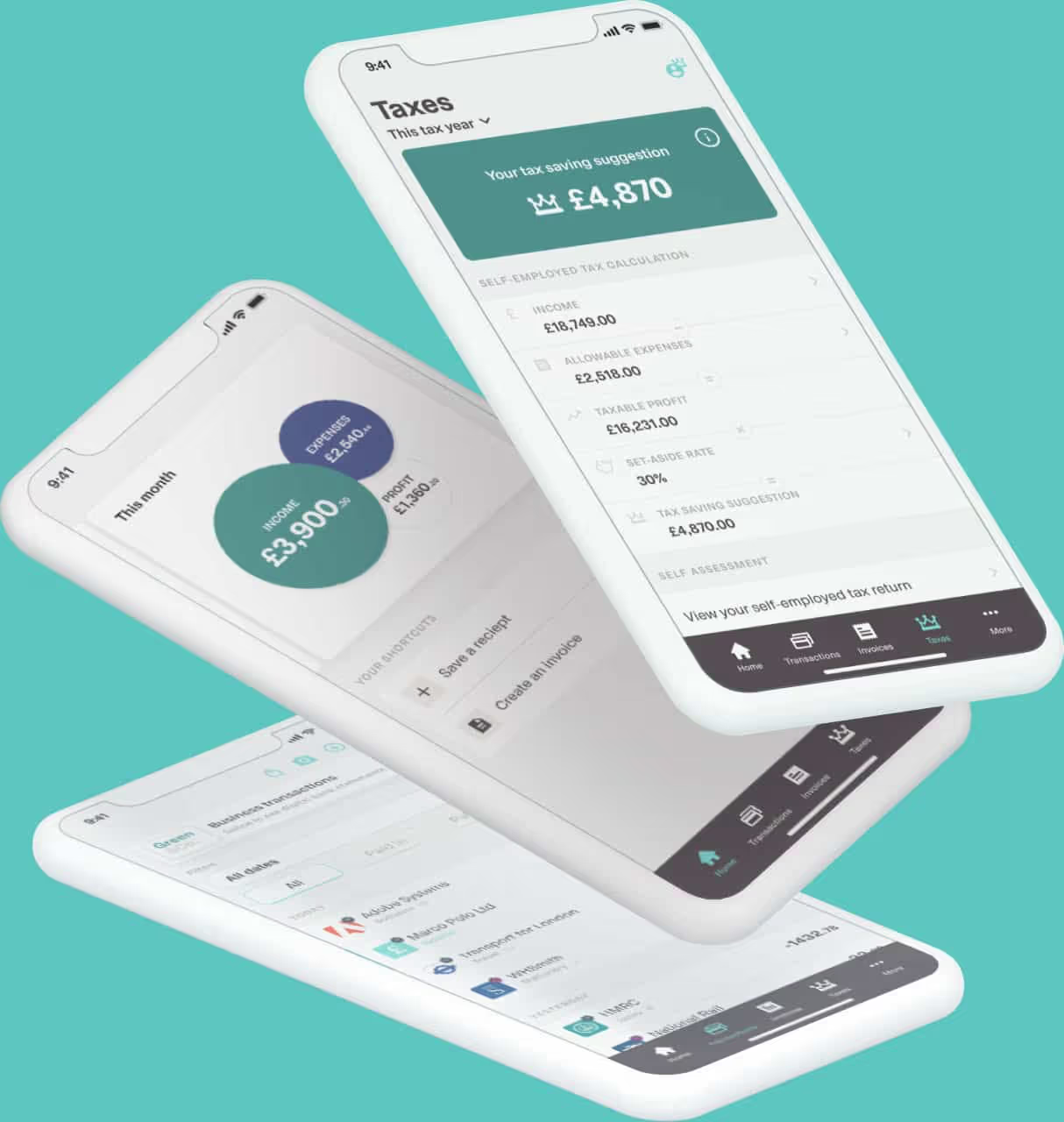






Making Tax Digital (MTD) changes how sole traders and landlords keep records and report information to HM Revenue & Customs(HMRC) - but it doesn't mean sending HMRC every receipt, invoice or bank transaction you have.
Under Making Tax Digital for Income Tax, information is sent to HMRC in two main stages. During the tax year, your compatible software sends quarterly updates containing summary totals of your income and expenses. After the tax year ends, you use your software to check your figures, make any necessary adjustments, add other income or gains, and submit your tax return.
So, if you're wondering what information is sent to HMRC for MTD, the key point is that your detailed digital records stay in your software. HMRC receives the information required for your quarterly updates and MTD tax return rather than a copy of every record you keep.
You may also see the system called MTD ITSA, short for Making Tax Digital for Income Tax Self Assessment. For a broader overview, our guide to MTD software explains how the new Income Tax system works and how Coconut can help.
What information is included in MTD quarterly updates?
Your quarterly updates contain summary totals from your digital records for each relevant self-employment or property business.
HMRC says Making Tax Digital for Income Tax uses the same income and expense categories as Self Assessment. Your compatible software adds up the records you have created and sends the relevant totals to HMRC.
Depending on your circumstances, this can include totals for:
● Turnover or other business income
● Business expenses
● Rental income from a UK property business
● UK property income and related property expenses
● Other relevant property income recorded for that property business
If you have more than one self-employment business or property business, you may need to submit quarterly updates for each one. Quarterly updates are not Self Assessment tax returns, and you don't normally need to make accounting adjustments or tax adjustments before sending them.
Each update is cumulative, covering the period from the start of the tax year to the end of that update period. This means that if you correct a digital record, the change can feed into your next update rather than requiring you to resend an earlier one.
Most people will use standard update periods, but calendar update periods are also available if your accounting period runs from1 April to 31 March. These align with calendar quarters and may make recordkeeping simpler where your accounting period ends on 31 March. The calendar quarters run to 30 June, 30 September, 31 December and 31 March. Your fourth quarterly update then completes the reporting period for the year.
HMRC's guidance on sending quarterly updates explains what is included, the update periods and the deadlines. Coconut also has a step-by-step guide to filing an MTD quarterly update and a guide to the main MTD deadlines.
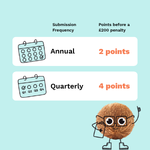
For 2026/27, HMRC will not apply a penalty point for a late quarterly update. From later tax years, a missed deadline can add a penalty point under the Income Tax late submission rules. After that, late submission penalties use a points-based system, with a £200 penalty once you reach the relevant threshold. See HMRC's MTD penalty guidance for the current rules.
Does MTD send every transaction to HMRC?
No. HMRC does not receive the details of every individual digital record as part of your quarterly updates.
You still need to create and maintain digital records for your self-employment and property income and expenses, but HMRC receives totals based on those records. Its guidance specifically says individual records such as receipts or invoices are not sent through the quarterly update process.
MTD therefore changes how your record keeping works without giving HMRC a live feed of every transaction in your bank account or accounting software. Your records still need to be accurate because they support the figures you report.
Do you have to send receipts or invoices to HMRC under MTD?
No. You do not normally attach receipts or invoices when you submit quarterly updates under Making Tax Digital for Income Tax.
You still need to keep the records and supporting documents you would normally retain for Income Tax Self Assessment and your Self Assessment tax return, such as invoices and bank statements.
There are two separate things to think about:
● Your digital records: The income and expense information you record in MTD-compatible software.
● Your supporting evidence: Documents such as invoices, receipts and bank statements that back up those records.
HMRC does not routinely receive those supporting documents with your quarterly update, but you may need them if HMRC later asks about your tax affairs or information included in your tax return.
Coconut lets you photograph and store receipts against transactions, and our guide to keeping digital records of receipts explains how this can work in practice.
What digital records do you need to keep for MTD?
For MTD for Income Tax, you need digital records of your relevant self-employment income, UK property income and expenses. This digital record keeping is one of the core requirements of the Income Tax rules.
For each transaction, HMRC says your digital record should include:
● The amount
● The date the income was received or the expense occurred
● The relevant income or expense category
Your software then uses those records to build the totals included in your quarterly updates.
Your software may hold far more detail than HMRC receives. You need to maintain digital records and correct errors as you spot them, whether you use MTD compatible software, accounting software or a spreadsheet connected through bridging software.
Paper records can still support your figures, but the MTD records themselves need to be digital. Read HMRC's guidance on creating digital records or Coconut's guide to keeping digital records for Making Tax Digital for further information.
What information is sent to HMRC at the end of the tax year?
Quarterly updates only cover part of the MTD process. At the end of the tax year, you still need to complete and submit your Income Tax return through compatible software.
Before you submit it, you need to check yourself-employment and property figures, make any necessary accounting adjustments and add additional income or gains that were not included in your quarterly updates.
This can include:
● Bank interest and other savings income
● Dividends
● Your share of partnership profits, if applicable
● Capital gains that need to be included
● Other taxable income
● Relevant reliefs or allowances
HMRC may already hold some information and add it to your tax return automatically. Current guidance says this can include PAYE income, pension income, some benefits, Construction Industry Scheme deductions and certain Capital Gains Tax information. You still need to check that the final figures are complete and correct.
You may see this year-end stage referred to as the final declaration. The final declaration is the point where your information for the tax year is brought together and the MTD tax return is completed. Coconut's guide to the MTD final declaration explains the process in more detail.
HMRC's guide to submitting your tax return under MTD for Income Tax sets out the official year-end requirements.
Does MTD have to be linked to your bank account?
No. Making Tax Digital does not require you to link your bank account directly to HMRC.
What you do need is compatible software that can create or connect to the digital records you use for MTD and send the required information to HMRC's system.
Some MTD software, including Coconut, can connect securely to your bank account so transactions are imported automatically. This can reduce manual data entry and make ongoing record keeping easier. But the connection is between your bank and your software; it doesn't give HMRC direct access to your bank account.
For more on how the two can work together, read our guide to using MTD software alongside a business bank account.
Can you use a spreadsheet for MTD?
Yes. You can use an existing spreadsheet as part of your MTD setup, provided the information is connected to HMRC through compatible software.
This is where bridging software comes in. It connects records held in a spreadsheet to the Making Tax Digital submission process, so you can keep a system that already works for you without moving everything into a full accounting package.
Coconut offers dedicated MTD bridging software for sole traders and landlords who want to keep using spreadsheets while managing MTD submissions through compatible software.
Alternatively, you can use MTD compatible software that handles record keeping and submissions in the same place. The right software depends on how you manage your records and how much automation or support you want.
You can compare software providers using HMRC's guidance on choosing software for Making Tax Digital for Income Tax.
Will HMRC tell you if you need to use MTD?
HMRC checks qualifying income using information from your previous tax year's Self Assessment tax return and says it will write to you if you need to use Making Tax Digital for Income Tax. You should still check your position yourself.
Qualifying income is your gross income before expenses from self-employment and property. If you have both, that gross income is combined. The current rollout is:
● More than £50,000: from 6 April 2026
● More than £30,000: from 6 April 2027
● More than £20,000: from 6 April 2028
For example, self-employment income and rental income from UK property can count towards the threshold. It is the gross income before expenses that matters; employment income, bank interest and dividends do not count towards this test. Those other sources may still need to appear on your year-end tax return.
Our guide to the MTD Self Assessment threshold explains how qualifying income works. You can also use the official GOV.UK guidance to check if and when you need to use MTD for Income Tax.
What do you need before you can send MTD information to HMRC?
Before you can submit quarterly updates, you will generally need to:
- Check whether MTD for Income Tax applies to you. This depends mainly on qualifying income and any exemption.
- Use compatible software. It needs to support the Income Tax submissions you must make.
- Sign up or make sure HMRC has signed you up. The process depends on when MTD applies to you.
- Have the details HMRC needs. This can include your National Insurance number and information about your self-employment or property income sources.
- Authorise your software. This lets it submit quarterly updates and your tax return to HMRC.
- Keep your digital records up to date. Your submissions are built from them.
See Coconut's guide to signing up for Making Tax Digital for Income Tax and HMRC's MTD sign-up guidance for further information.
How Coconut helps you keep the right MTD information ready
Coconut is HMRC-recognised MTD software built for sole traders, landlords and CIS subcontractors. It helps sole traders, self-employed individuals and small businesses handle digital record keeping and keep their Income Tax information organised without taking on complex accounting software.
With Coconut, you can:
● Import transactions through secure bank feeds
● Categorise income and expenses
● Maintain digital records in one place
● Snap and store receipts against transactions
● Manage more than one income stream
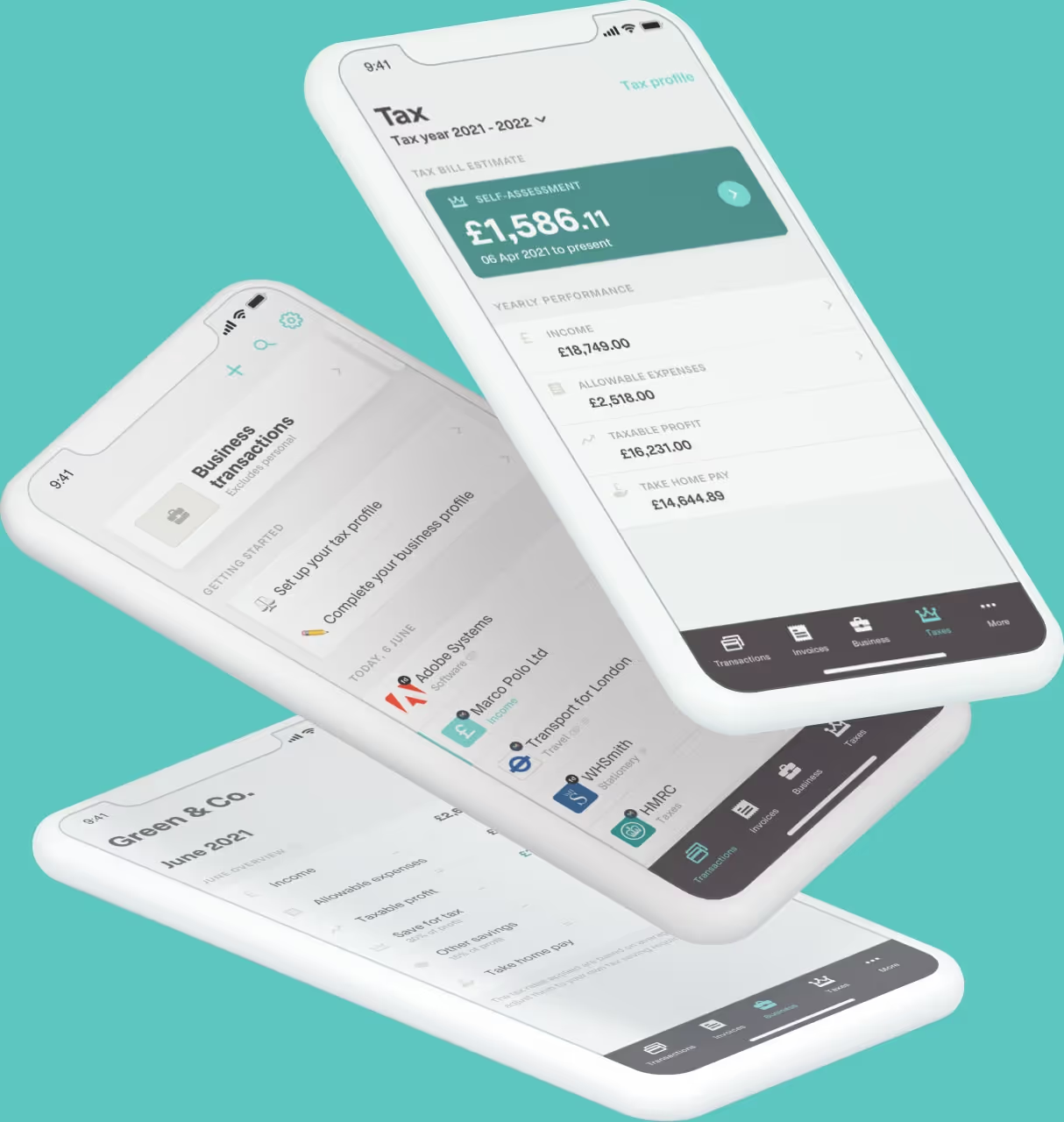
● See in-year tax estimates and get a clearer view of your likely tax bill
● Submit quarterly updates to HMRC
● Complete your MTD tax return through the software
● Get dedicated MTD expert support when you need it
If you already use an existing spreadsheet, Coconut's MTD bridging software can also help you submit quarterly updates without changing your whole record-keeping setup. That can suit small businesses that want the right software for MTD without replacing a system that already works.
Get ready for MTD with Coconut
With Coconut, your income and expenses stay organised throughout the year, your digital records are ready for MTD, and you can send the required updates through HMRC-recognised software without turning tax into a bigger admin job than it needs to be.
Get started with Coconut and see how simple MTD can be.