





If you’re using Making Tax Digital for Income Tax, sending your four quarterly updates is not quite the end of your tax reporting for the year.
You’ll also need to complete a year-end tax return through your compatible software. This is often referred to as the MTD final declaration because it is where you confirm that the information you’re submitting to HMRC is complete and correct.
That might sound like an extra tax return on top of everything else. But it’s really the Making Tax Digital version of the year-end Self Assessment process you may already be familiar with.
Your quarterly updates keep HMRC informed about your business income and expenses during the year. Your final declaration brings everything together, including other income, tax reliefs and any year-end adjustments.
Here’s how the process works, what you’ll need to include and when your final tax return is due.
What Is an MTD Final Declaration?
The MTD final declaration is the year-end stage of Making Tax Digital for Income Tax.
Once the tax year has ended, you use MTD-compatible software to check the business figures you have already reported, make any necessary adjustments and add information that was not included in your quarterly updates.
This could include:
● employment income
● bank interest
● dividends
● pension income
● pension contributions
● Capital Gains Tax information
● student loan details
● other non-business income
● tax reliefs and allowances
You then review your tax calculation and submit your tax return by confirming that the information is correct and complete.
HMRC’s current guidance generally calls this process submitting your tax return, rather than using “final declaration” as the name of a separate form. However, you may still see the term used by software providers and in information about MTD for Income Tax.
The practical point is simple: after completing your quarterly updates, you still need to finalise your full tax position at the end of the year.
Does the Final Declaration Replace Self Assessment?
You still need to submit a tax return under Making Tax Digital. The difference is how you prepare and send it.
Under the current Self Assessment system, many sole traders and landlords pull their figures together once a year and submit their return through HMRC’s online service.
Once you move into Making Tax Digital for Income Tax, you’ll instead:
- keep digital records during the tax year
- send four quarterly updates using compatible software
- make any tax and accounting adjustments after the year ends
- add your other income and reliefs
- submit your completed tax return through the same software
So, you’re not completing your usual online Self Assessment tax return and then submitting an additional final declaration. Your year-end MTD tax return takes the place of the return you would otherwise file through HMRC’s standard online service.
The legal requirement to submit an annual tax return remains. It is the record-keeping and filing process that changes under Making Tax Digital.
Final Declaration vs Quarterly Updates
Quarterly updates and your final tax return have different purposes.
Quarterly updates
Your quarterly updates provide HMRC with a running summary of the income and expenses recorded for each sole trade or property business.
They are based on the digital records you have kept during the relevant period. They do not usually include all the tax and accounting adjustments needed to calculate your final bill.
You also do not need to confirm your full tax position every quarter.
Your year-end tax return
Your year-end return is where you check the figures reported during the year and complete the rest of your tax information.
This includes:
● correcting business income or expense figures where needed
● making accounting or tax adjustments
● claiming allowances and reliefs
● adding income that was not covered by your quarterly updates
● checking your final tax calculation
● confirming that the return is complete and correct
A simple way to think about it is:
● Quarterly updates keep your business figures up to date.
● Your final declaration completes your tax return for the year.
You must send the necessary quarterly updates before you can submit your year-end tax return.
What Do You Include in the Final Declaration, and How Do You Complete It?
Once the tax year has ended and your quarterly updates have been submitted, you’ll use MTD-compatible software to complete your year-end tax return.
The exact screens will vary between software products, but the process should broadly look like this.
1. Finish your digital records
Make sure all income and expenses for the tax year have been recorded.
That includes checking:
● bank transactions
● cash payments
● invoices
● business expenses
● property income and costs, where relevant
● any missing or duplicated entries
If you have more than one sole trade or rental property, make sure each income source is recorded correctly.
2. Check the figures from your quarterly updates
Review the business income and expenses you reported during the year.
Correct anything that is missing, duplicated or entered under the wrong category. Your quarterly updates are based on the records available at the time, so the year-end process gives you a chance to make sure the final figures are complete.
3. Make any year-end adjustments
You may need to make tax or accounting adjustments before your final tax calculation is prepared.
These could include:
● removing expenses that are not allowable for tax
● claiming capital allowances
● applying the trading allowance or property allowance
● making adjustments for private use
● correcting income or expenses
● dealing with accruals or prepayments where relevant
● making other accounting or tax adjustments
The adjustments you need will depend on your circumstances and whether you use the cash basis or traditional accounting.
4. Check information HMRC already holds
Some information may already appear in your software from HMRC.
Depending on your circumstances, this could include:
● employment income reported through PAYE
● state pension income
● taxable benefits
● Construction Industry Scheme deductions
● student loan information
You are still responsible for checking that the information is complete and accurate.
5. Add other income and gains
Quarterly updates only cover the self-employment and property businesses included in your MTD records.
Your year-end return may also need to include:
● employment income
● savings and bank interest
● dividends
● pension income
● partnership income
● foreign income
● Capital Gains Tax information
● other taxable income not already included
Some of this income may not count towards your qualifying income for MTD, but it can still form part of your overall tax return.
6. Claim relevant reliefs and allowances
Your final tax return is also where you include any reliefs or allowances that apply.
These might include:
● personal pension contributions
● Gift Aid donations
● trading losses
● capital allowances
● Marriage Allowance
● Rent a Room relief
● other relevant tax reliefs
Your software should guide you through the information it needs, although you may want professional advice if your tax affairs are more complicated.
7. Review your tax calculation
Once everything has been included, your software will show your tax calculation.
Check the figures carefully, including your Income Tax and National Insurance where relevant.
Making Tax Digital does not change how much tax you owe. It changes how you keep records and submit information to HMRC.
8. Submit your tax return
When you are satisfied that the information is complete, submit the return through your compatible software.
As part of the submission, you confirm that the information is correct and complete to the best of your knowledge.
If you later spot an error or need to add something, you can amend the return in line with HMRC’s rules.
When Is the MTD Final Declaration Due?
Your year-end tax return is due by 31 January following the end of the relevant tax year.
For example, the first compulsory MTD tax year for people with qualifying income over £50,000 runs from 6 April 2026 to 5 April2027.
The return for that tax year must be submitted by 31January 2028.
This is the same familiar January filing deadline used for Self Assessment. You can submit earlier once the tax year has ended, your quarterly updates have been sent and your information is complete.
What Are the MTD Quarterly Update Deadlines?
Under the standard tax-year schedule, quarterly updates are due on:
For people joining MTD from April 2026, the first standard quarterly update deadline is 7 August 2026.
You may also be able to choose calendar-quarter reporting through your software. The filing deadlines remain 7 August, 7November, 7 February and 7 May.
Each update shows your income and expenses for the tax year to date. Sending a later update therefore builds on the figures already reported, rather than creating four completely separate sets of annual figures.
What Happens If You Miss the Final Declaration Deadline?
A points-based penalty system applies to people using Making Tax Digital for Income Tax.
You generally receive a penalty point when you miss a relevant submission deadline. Once you reach the penalty threshold, you receive a £200 penalty. Further missed deadlines can lead to additional £200 penalties while you remain at the threshold.
For the 2026/27 tax year, HMRC will not issue penalty points for late quarterly updates. This first-year easement only applies to quarterly updates. Penalty points can still apply if you submit your annual tax return late.
Late payment is dealt with separately. You may face interest and late payment penalties if you do not pay your tax on time.
The simplest way to stay on top of both requirements is to keep your digital records updated during the year, rather than trying to complete everything shortly before a deadline.
Who Needs to Complete a Final Declaration?
You need to submit your year-end return through MTD software if you are required to use Making Tax Digital for Income Tax.
The rules are being introduced in stages:
● from April 2026, for qualifying income over £50,000
● from April 2027, for qualifying income over £30,000
● from April 2028, for qualifying income over £20,000
Your qualifying income is your total gross income from self-employment and property before expenses are deducted.
For example, imagine you receive:
● £35,000 in self-employment income
● £18,000 in gross rental income
Your total qualifying income would be £53,000. That would place you over the first MTD threshold, even if your profit is much lower after expenses.
Employment income, pension income and dividends are not included when working out whether you cross the MTD threshold. However, they may still need to be included when you complete your final tax return.
Can You Leave Making Tax Digital?
You may be able to opt out if your qualifying income falls below the relevant threshold for three tax years in a row.
You do not automatically leave MTD as soon as your income drops for one year. HMRC looks at whether it has remained below the threshold over the required period.
You may also stop using MTD if all your relevant self-employment and property income sources end, although you need to tell HMRC.
Separate exemptions are available in certain circumstances, including where it is not reasonable or practical for someone to use digital tools. You normally need to apply to HMRC and receive approval rather than simply deciding not to follow the requirements.
Do You Have to Upload Receipts for MTD?
You need to keep digital records of your business income and expenses, but this does not mean every paper receipt has to be uploaded to HMRC with your quarterly updates or tax return.
Your records need to include the necessary details of each transaction, such as the amount, date and category.
Keeping digital copies of receipts can still make life easier. It gives you evidence to support your records and means you are less likely to lose important paperwork.
Software with receipt capture lets you take a photo and attach it to the relevant transaction, keeping the record and supporting document together.
What Software Do You Need for the Final Declaration?
You must use functional compatible software to send your quarterly updates and annual tax return under Making Tax Digital.
There are two main ways to do this.
All-in-one MTD software
This keeps your digital records, quarterly updates and year-end tax return within one system.
Transactions can often be imported through bank feeds, which reduces manual record keeping and helps your quarterly figures flow into the year-end process.
Spreadsheets with bridging software
You can continue using an existing spreadsheet, provided the required digital links are maintained.
Bridging software connects the spreadsheet to HMRC and allows you to make the required submissions.
This may suit someone who already has a reliable spreadsheet system and wants to keep it. However, you will still need to make sure the records are complete, the figures are correct and your chosen software supports the submissions you need to make.
Neither route is automatically right for everyone. The best option is the one that fits the way you keep records and gives you the support you need.
Keep Your Quarterly Updates and Year-End Return Together with Coconut
The final declaration becomes much easier when your records are already organised.
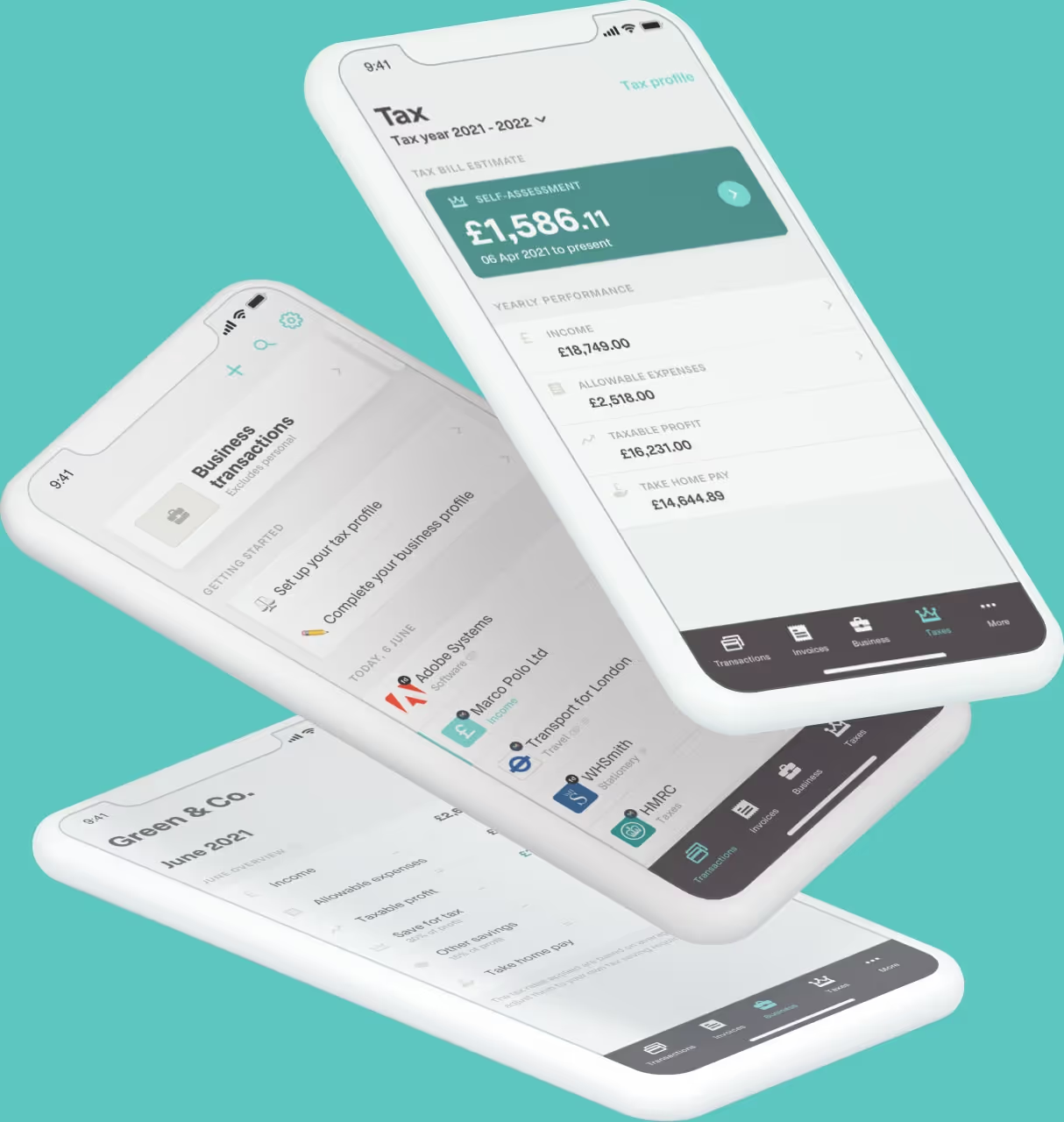
Coconut is HMRC-recognised MTD software built for sole traders, landlords and CIS subcontractors. It helps you keep digital records, track your income and expenses and submit your MTD updates from one place.
With Coconut, you can:
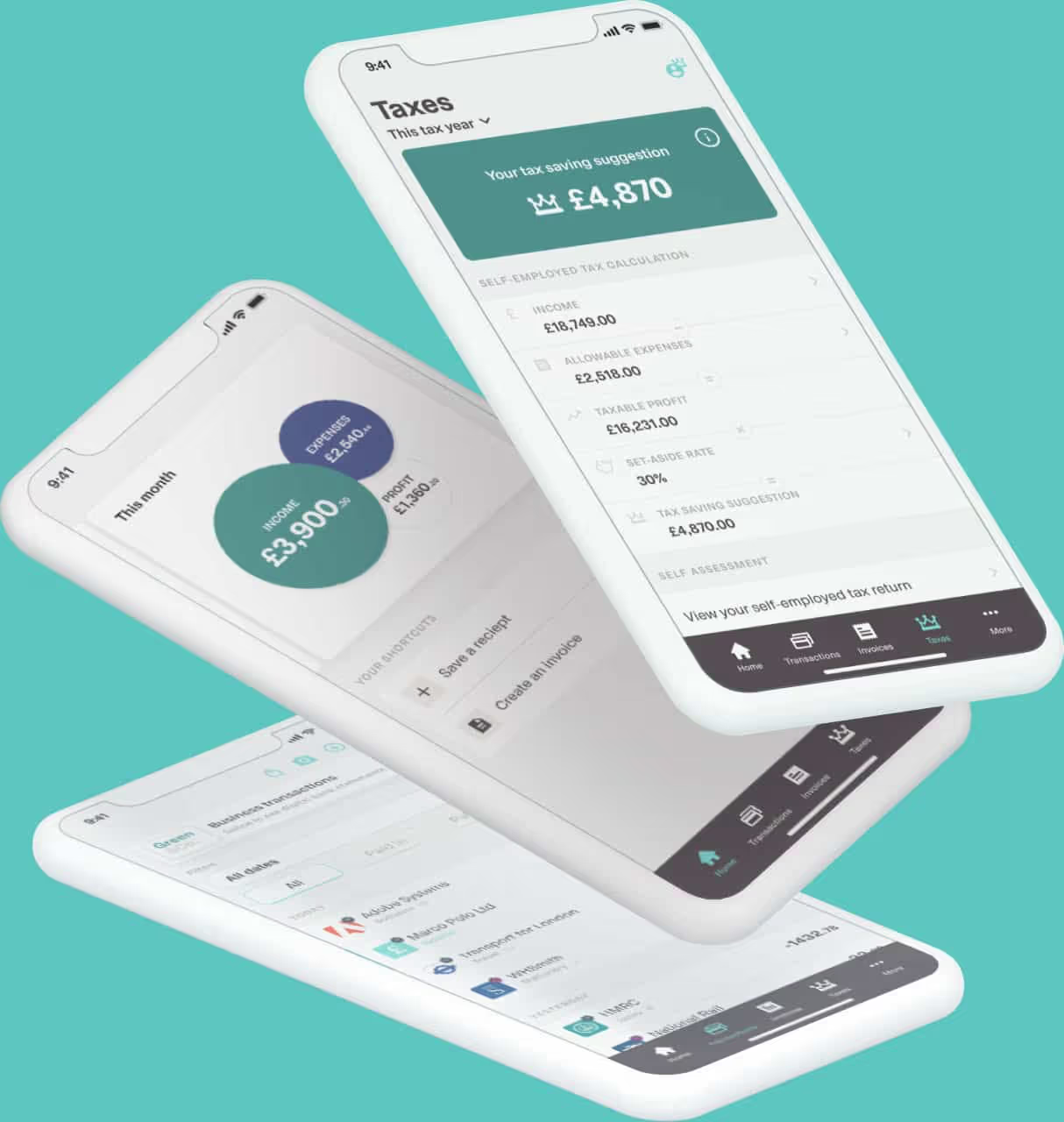
● connect your bank account and import transactions
● categorise income and expenses as you go
● keep records for self-employment and property income
● manage multiple income streams without separate licences
● see an estimate of how much tax you may owe
● submit your quarterly updates to HMRC
● complete your year-end MTD tax return
● get expert support when you need it
Because your records and quarterly submissions stay connected, there is less to piece together when the end of the tax year arrives.
Prefer to keep using a spreadsheet? Coconut also offers bridging software, giving you a straightforward way to connect your existing records to HMRC.
Making Tax Digital does not need to turn tax into a bigger job. With the right setup, your year-end return becomes the final check on records you have already kept up to date.
Start your free 14-day Coconut trial today. No card details required.