




If you sell goods or services online, whether through Amazon, eBay, Etsy, Shopify or your own website, Making Tax Digital impacts how you report your turnover. Not just that but if your qualifying income meets the current threshold, the addition of quarterly updates and a few more deadlines to be aware of, coupled with an already hectic business life, means that staying organised becomes non-negotiable.
Thankfully, using dedicated sole trader MTD software like Coconut can make managing sales and staying on top of your financial responsibilities seamless. So, here’s a step-by-step guide on how UK online sellers can register for MTD, streamline accounting and maintain compliance.
Step 1: Check if and when you must register
First things first, check your eligibility for MTD. As of April 2026, if your combined gross sales across all online shops and self-employment exceeds £50,000 you have to comply with MTD for Income Tax. If your gross sales exceed £30,000, you’ll need to comply by April 2027 and this threshold will later drop to £20,000.
Remember, gross turnover means total sales revenue before fees, delivery charges and refund deductions are subtracted.
If your qualifying income is under the threshold, you can still sign up to MTD voluntarily.
Step 2: Choose MTD-compatible software
HMRC requires digital records to flow seamlessly from your bookkeeping system to their system without manual intervention. This means you’ll need HMRC-recognised software capable of keeping digital records and submitting quarterly updates - just like Coconut.
Step 3: Gather your registration details
When you’re ready to sign up for MTD through your Government Gateway portal, you’ll need the following details:
- Your National Insurance (NI) Number
- Unique Taxpayer Reference (UTR)
- Your business name, registered address and email
- Accounting dates and shop turnover figures
- Government Gateway User ID and Password
Step 4: Complete the MTD sign-up process
Follow these steps to register your business for Making Tax Digital:
- Log in to GOV.UK: Visit the official GOV.UK portal and search for ‘Sign up for Making Tax Digital for Income Tax’.
- Authenticate your identity: Sign in using your business Government Gateway credentials.
- Confirm business details: Answer the verification prompts regarding your sole trader status, address and current accounting set-up.
- Link your software: Select your approved MTD software provider from HMRC’s list.
- Grant authority: You’ll be prompted to grant authority within your accounting software so it can securely communicate with HMRC’s API.
After submitting, HMRC will confirm your registration via email (typically within 72 hours).
Step 5: Configure digital links for your online shops
Under MTD, digital links must be maintained through your data chain. This means that data transfers electronically from your system to HMRC’s - without copying and pasting.
With this in mind, you need to ensure that your payout reports are imported into your chosen software via direct API links. Usually your e-commerce platform will deduct seller fees before depositing funds into your bank so make sure your software accurately records gross sales and platform expense fees.
How Coconut simplifies MTD for online sellers
Managing an online business can quickly get chaotic. That’s why Coconut is designed to reduce the friction and keep your e-commerce business MTD-ready.
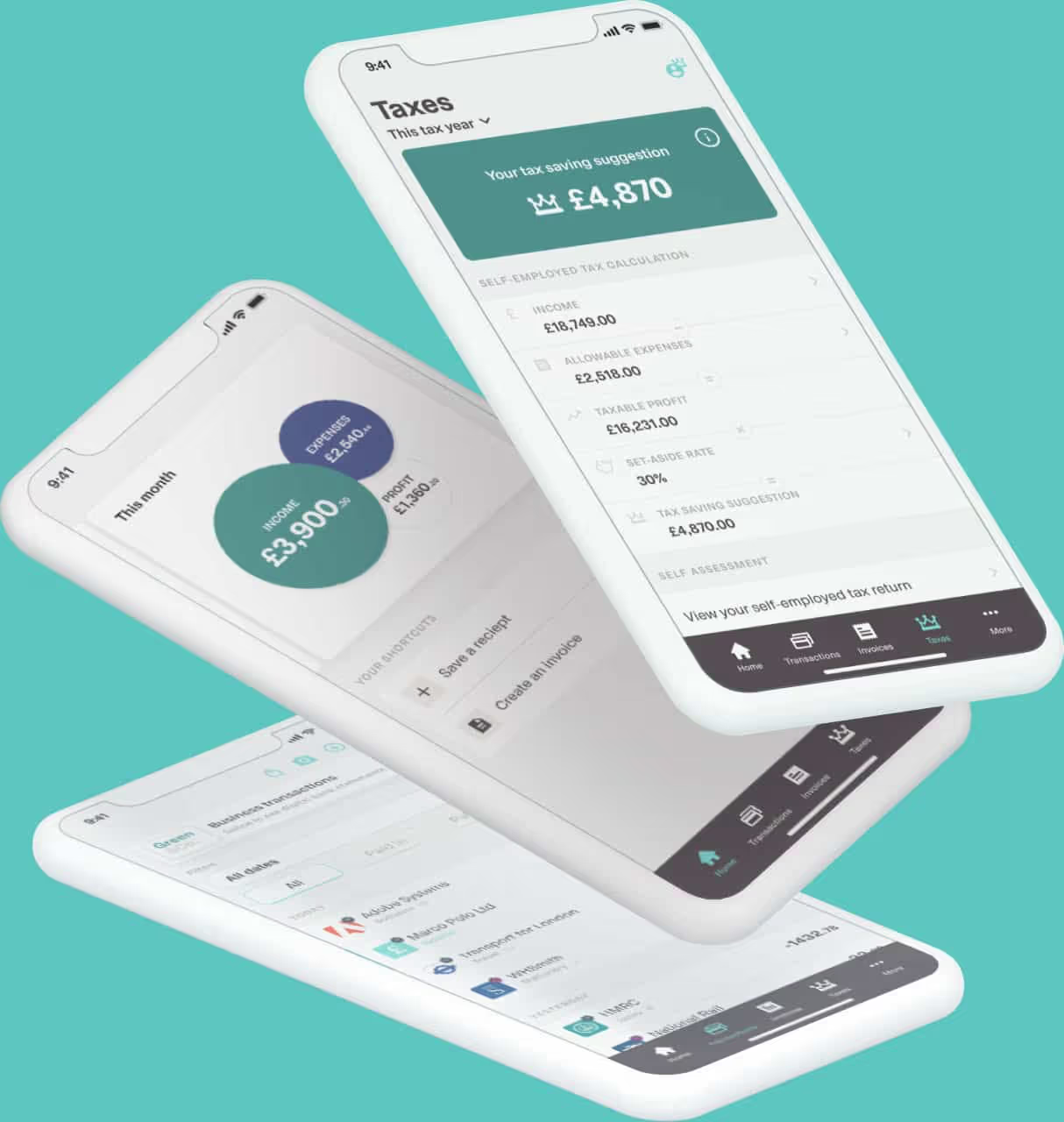
- Bank feed integration: Connect your business bank accounts, PayPal and payment gateways so income and expenditure sync automatically in real time.
- Automated expense categorisation: Platform commission, postage, packaging supplies, and marketing costs are categorised, ensuring you maximise tax-deductible expenses.
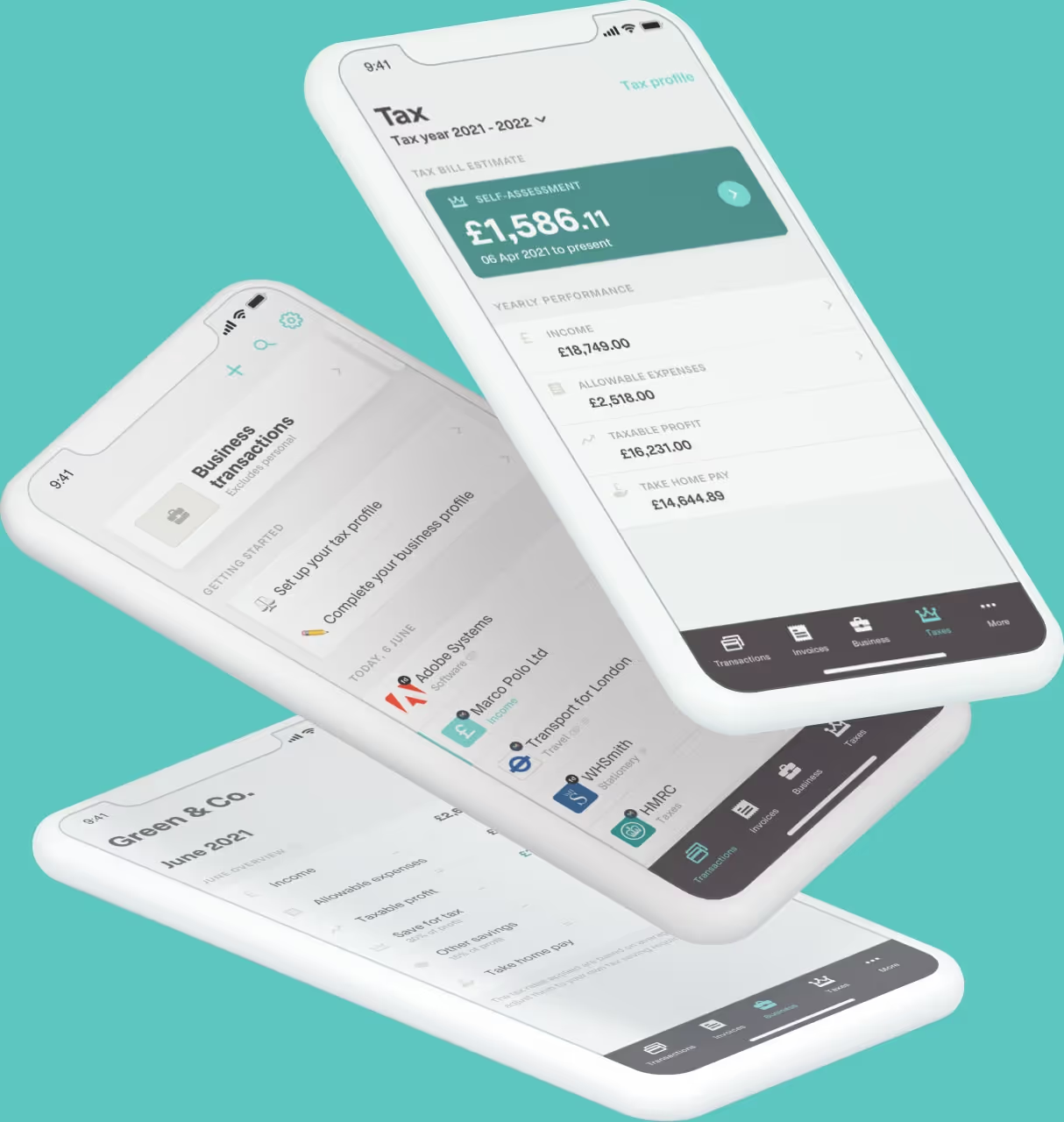
- Live tax bill estimates: E-commerce income fluctuates throughout the year. Coconut tracks your net profit so you always know how much tax to set aside.
- Direct HMRC submissions: Send your quarterly MTD submissions straight to HMRC directly from the app without relying on complex spreadsheets.
Ready to simplify tax season? Try Coconut today to automate your bookkeeping, keep digital links intact and submit MTD updates effortlessly.