



.png)

Making Tax Digital (MTD) has changed how many sole traders report their taxes. If your qualifying income exceeds £50,000, you're already required to keep digital records and submit quarterly updates to HMRC. What’s more, with further threshold changes arriving in 2027 and then 2028, understanding the rules now can help you avoid penalties and stay compliant.
What is Making Tax Digital?
Making Tax Digital is a government initiative from HMRC that’s designed to modernise the UK tax system. Instead of relying on paper records or annual tax submissions, certain individuals and businesses must keep digital records and submit quarterly updates using MTD compatible software. In doing so, it aims to make tax more accurate and easier to manage.
Who does MTD apply to?
Since April 2026, self-employed individuals and landlords with qualifying income above £50,000 have been required to comply with MTD for Income Tax. From April 2027, the threshold falls to £30,000, and in 2028 this will drop to £20,000. Whether you meet these thresholds or not, there are many benefits of preparing now.
An example case
Let’s look at an example. Take Sarah, a freelance graphic designer with an annual business income of £38,000.
- During 2026/27 she remains below the £50,000 threshold.
- From April 2027, the threshold falls to £30,000.
- Because her qualifying income exceeds £30,000, she’ll need to comply with MTD requirements from that point.
What counts as qualifying income?
For MTD purposes, qualifying income refers to gross income from self-employment and property before expenses are deducted. Remember, if you have both, HMRC will combine the two to determine whether you fall within the relevant threshold.
What sole traders need to do
To stay compliant with MTD sole traders need to:
Keep digital records
Record income and expenses digitally throughout the year using compatible software.
Submit quarterly updates
Send summaries of your income and expenses to HMRC every quarter.
Complete your year-end finalisation
Confirm your income and make any necessary adjustments before finalising your tax position.
Ultimately, this means the traditional once-a-year tax return process becomes a more regular reporting system.
MTD quarterly submission deadlines
Why preparing early matters
Although you might not yet need to comply, waiting until the deadline can create unnecessary stress. Instead, by preparing early you can:
- Get comfortable with digital bookkeeping
- Organise receipts and expenses properly
- Understand your cash flow better
- Reduce errors in tax reporting
- Avoid last-minute stress
Common challenges sole traders face
You might be worrying about the extra admin involved or the expert knowledge required. But in reality, the biggest challenges often arise from outdated processes. Some of the most common to avoid are:
- Mixing business and personal finances - separating transactions helps to maintain clearer records
- Losing receipts - digital expense tracking means you don’t to keep paperwork
- Falling behind - leaving bookkeeping until the last minute creates errors and unnecessary stress
- Using non-compatible systems - spreadsheets alone don’t meet HMRC’s MTD requirements
What happens if you don’t comply?
Failing to follow the MTD rules could lead to penalties, missed submissions and inaccurate reporting. HMRC’s penalty points-based system means there’s even more pressure to stay organised throughout the year.
Each missed filing results in a penalty point. Once the relevant threshold is reached, a financial penalty is triggered.
You may also face:
- Interest on late tax payments
- Additional penalties for continued non-compliance
- Increased administrative work
- Greater risk of errors in your tax reporting
Top tips for staying compliant
- Keep your records updated regularly
- Digitise your receipts immediately
- Track income carefully
- Understand your deadlines
- Use compatible software
What should you look for in MTD-compatible software?
When choosing software, look for:
- Direct HMRC integration
- Automatic bank feeds
- Receipt capture tools
- Income and expense categorisation
- Tax estimate tracking
- Mobile access
- Secure cloud storage
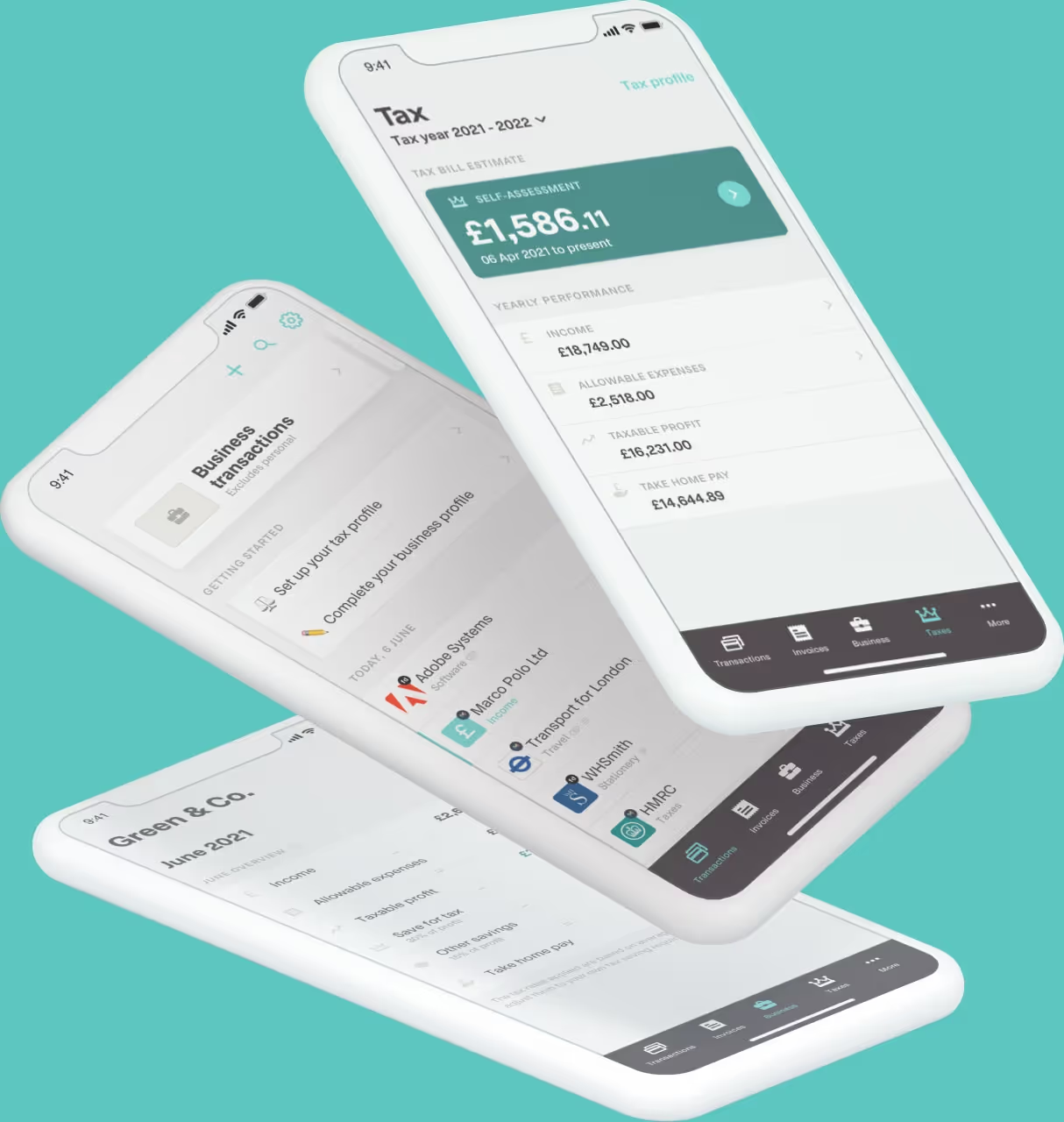
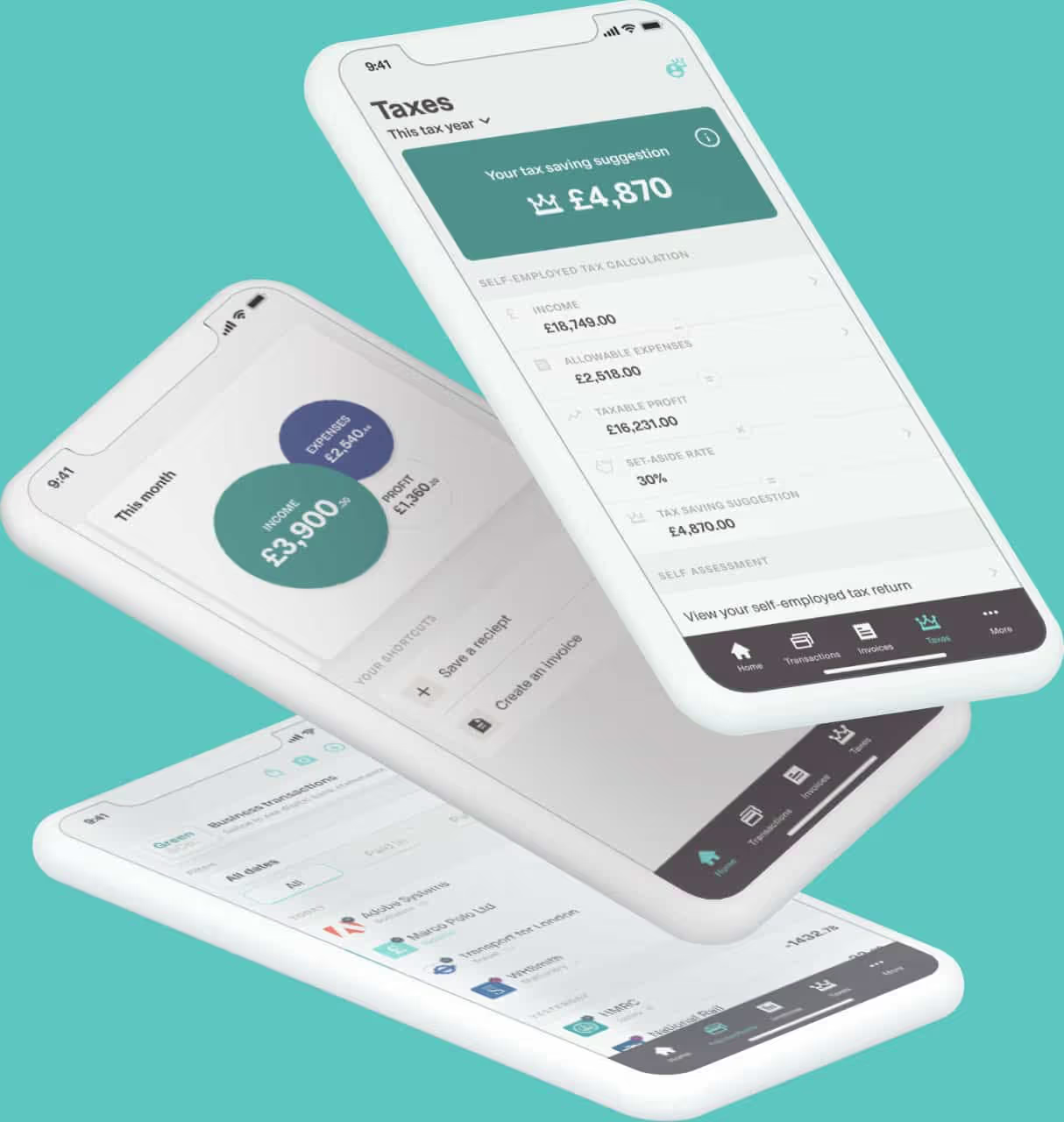
The right software can automate much of the MTD process and this is exactly where Coconut comes in - helping to reduce the burden of bookkeeping and preparing you for Making Tax Digital. Even better, with handy features ideal for all-year-round, you can stay on top of your finances now and in the future. Start your 14-day free trial of Coconut now.